Watch Face Studio
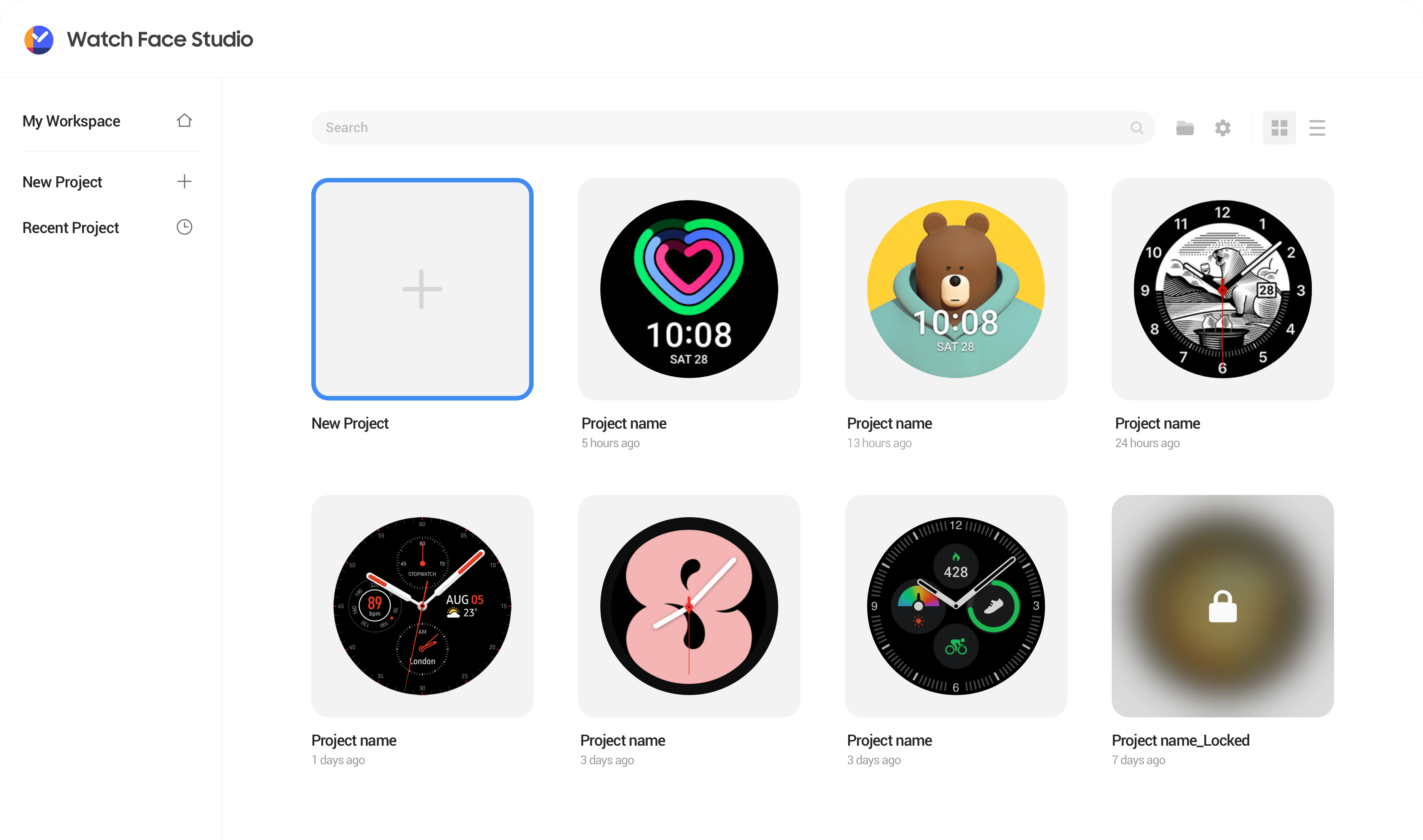
The Watch Face Studio serves as a graphic design tool that enables the crafting of watch modes for Wear OS smartwatches.
This platform offers a simple and intuitive method to introduce images and elements, and to configure the watch movement, with an added advantage of testing the watch mode on the connected device. We further elevated usability by designing a screen that simplifies the use of the editor tool, which could otherwise be perceived as complex.

Watch Face Production
With the user-friendly tool menu, timeline, and an array of elements such as animations, users can freely manifest their desired watch face and share it accordingly.
Design System
We have standardized the User Interface (UI) components such as color schemes, typography, and styles used on the screen, thereby preserving consistency across the interface. This approach facilitates effective collaboration across different departments.

Simple Editing Process
Users can introduce a variety of components to the watch screen, ranging from text, images, and shapes to analog hands, and also seamlessly create using presets that incorporate complex features such as step count, heart rate, and battery level.
Light / Dark Mode
By offering a dark mode, we have enhanced accessibility, empowering users to operate in their preferred environment. In an effort to lessen eye strain and provide a comfortable viewing experience, we have selected a #313337 color for the dark mode’s background, further optimizing user comfort.


