EMTOMEGA DASHCAM UX/UI
The EMTOMEGA Dashcam Project was about designing the overall user flow for in-vehicle devices so drivers can quickly check and control the information they need both while driving and while parked.
We worked across devices with different screen sizes and input methods—3-inch, 3.5-inch, and 10-inch displays, as well as a mobile companion app—organizing functions and interaction structures tailored to each context. Key features such as live video monitoring, event recording, and ADAS alerts were reprioritized and streamlined so they remain easily accessible even during driving.
In addition, advanced settings and detailed content that are less practical to handle directly on the Dashcam device were delegated to the mobile app, ensuring a clear separation of roles.
By reflecting the unique purposes and constraints of each device, we defined how screens and functions should be provided, and created a seamless user experience that connects the entire system organically.
We worked across devices with different screen sizes and input methods—3-inch, 3.5-inch, and 10-inch displays, as well as a mobile companion app—organizing functions and interaction structures tailored to each context. Key features such as live video monitoring, event recording, and ADAS alerts were reprioritized and streamlined so they remain easily accessible even during driving.
In addition, advanced settings and detailed content that are less practical to handle directly on the Dashcam device were delegated to the mobile app, ensuring a clear separation of roles.
By reflecting the unique purposes and constraints of each device, we defined how screens and functions should be provided, and created a seamless user experience that connects the entire system organically.
Overview
Dashcam User Experience Optimized for Multi-Device Environments
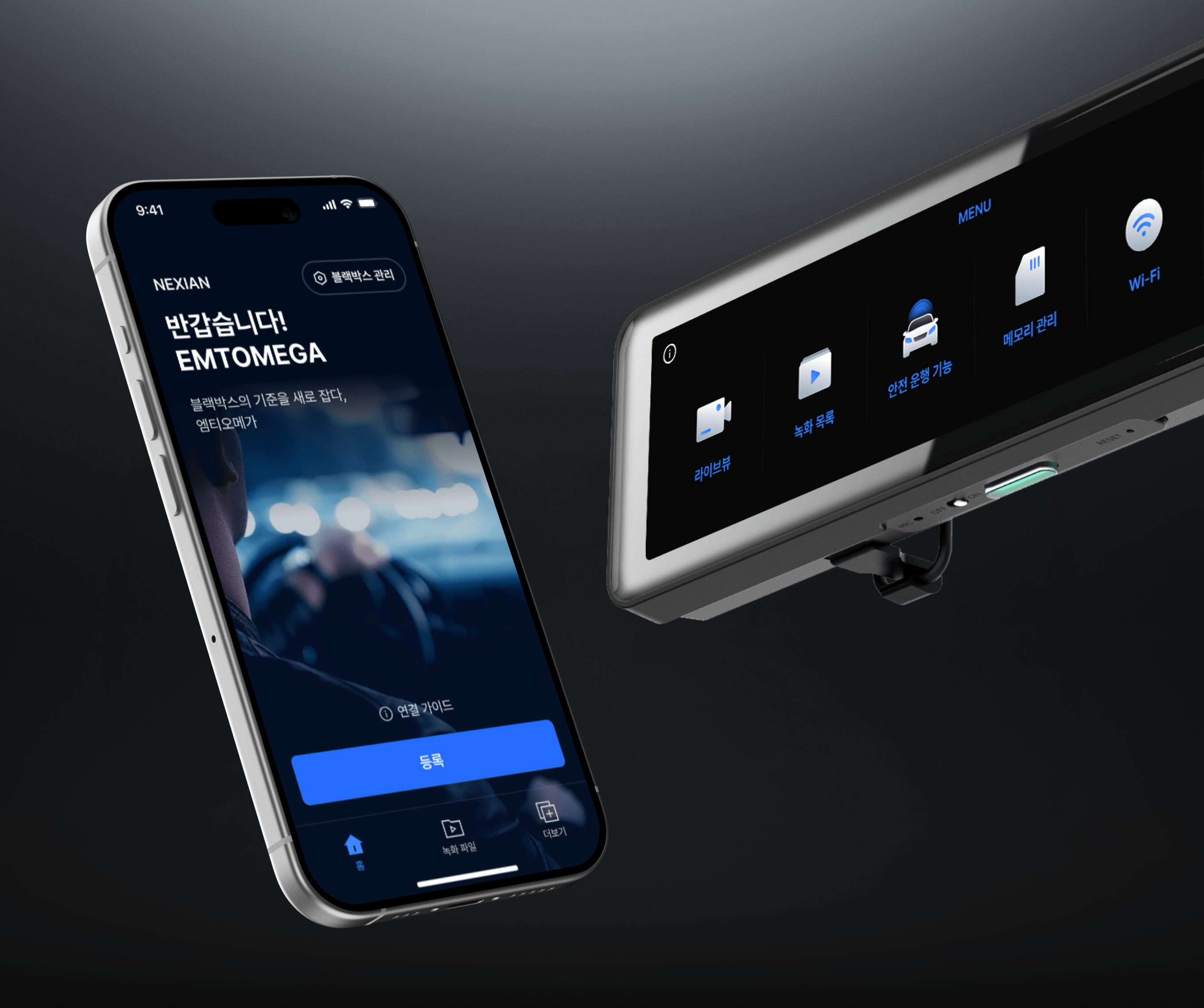
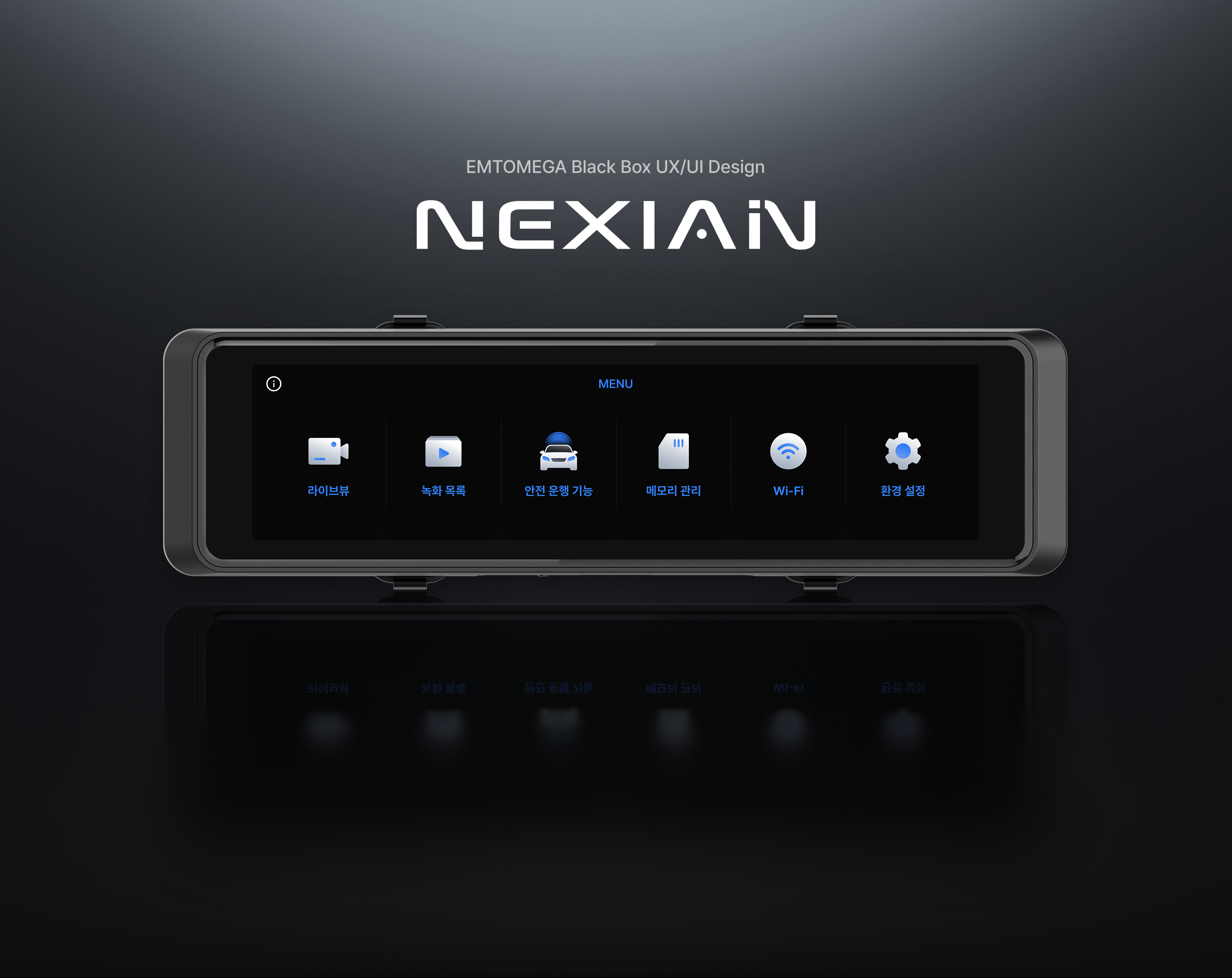
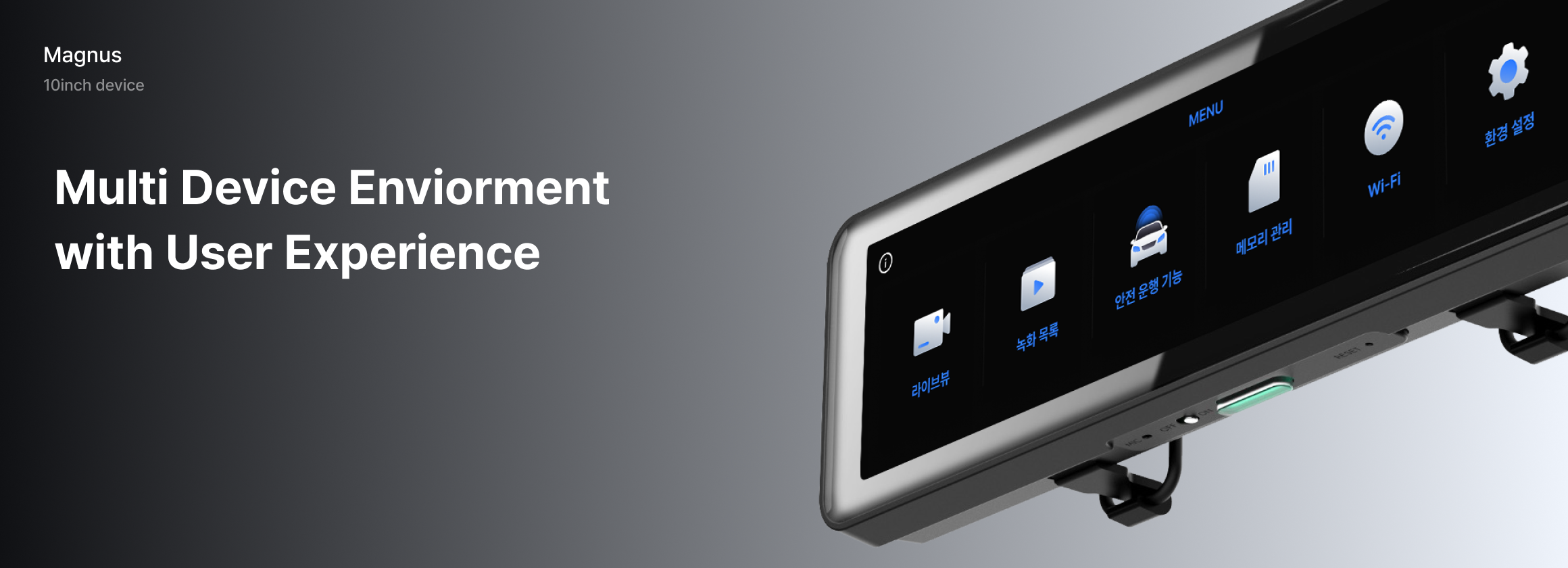
The EMTOMEGA Dashcam reduces driver workload by tailoring feature flows to different situations such as driving or parking across 10inch and 3inch devices.
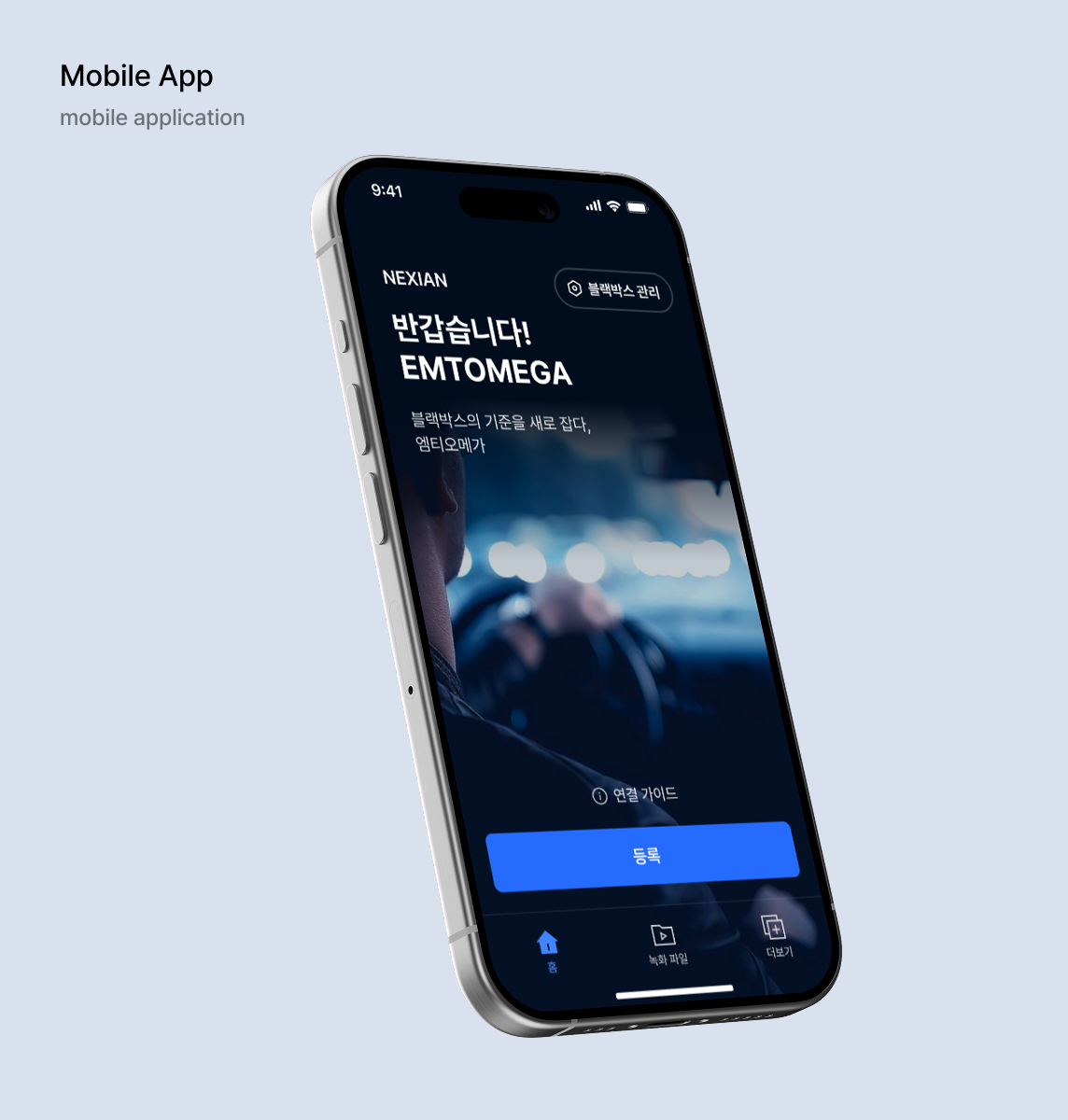
On the device itself, essential functions like live video and alerts are made instantly accessible, while the companion app is designed to handle more detailed tasks such as video saving and sharing with ease.

UX Concept
Interaction Flow and Information Feedback Optimized for Driving
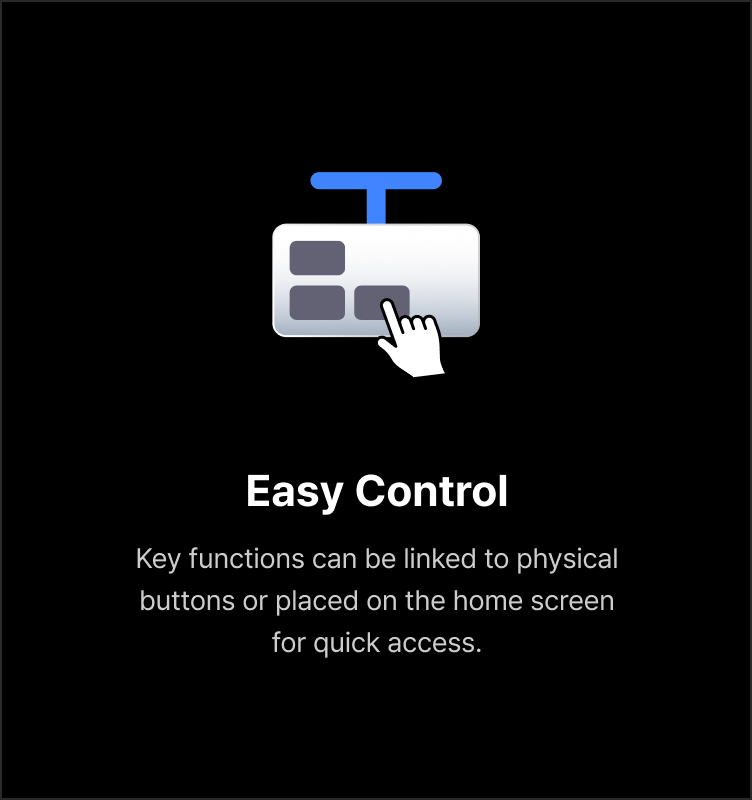
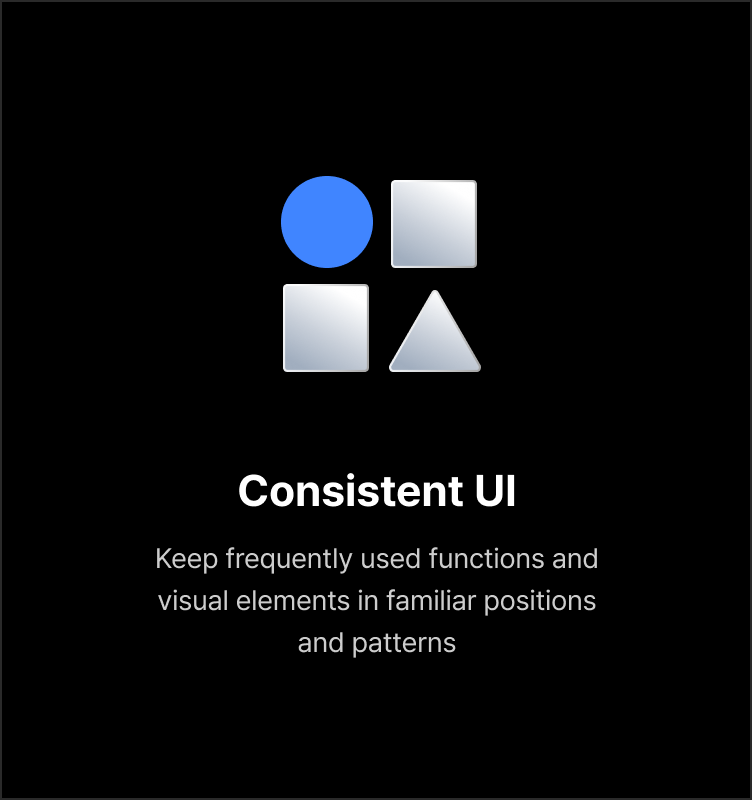
To ensure that key functions can be accessed quickly without requiring drivers to take their eyes off the road for long, the EMTOMEGA Dashcam was designed around three core UX concepts, providing a consistent interaction flow and screen structure. Essential features were placed on physical buttons and the home screen to simplify access, while visual alerts and highlighted critical information enable immediate driver response when events occur.

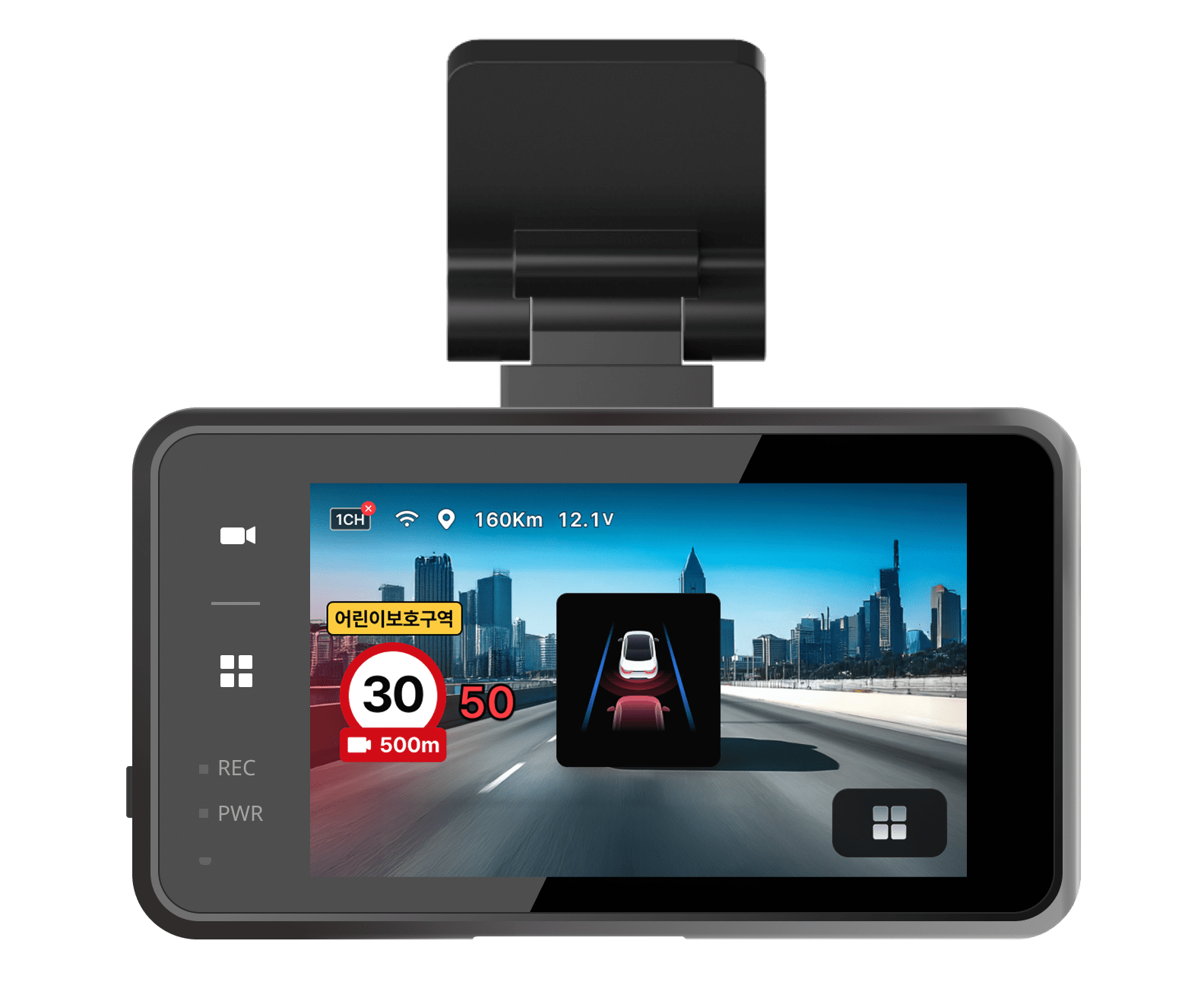
Device
Live View for Real-Time Driving Situations
The home screen displays live driving footage and highlights only the essential information drivers need, allowing them to grasp the situation quickly.
Control buttons in Live View focus on core functions that require immediate access, enabling easy use with minimal interaction.
Recorded Video List for Quickly Finding Key Moments
Driving and parking footage is automatically saved and systematically categorized by event type such as impact detection, motion detection, and manual recording. Based on this structure, users can easily manage videos through functions like saving, capturing, and deleting. This organization enables quick identification and sorting of important footage, while also supporting efficient storage management and prioritization of videos by importance.
Wider and More Accurate AI ADAS Alerts
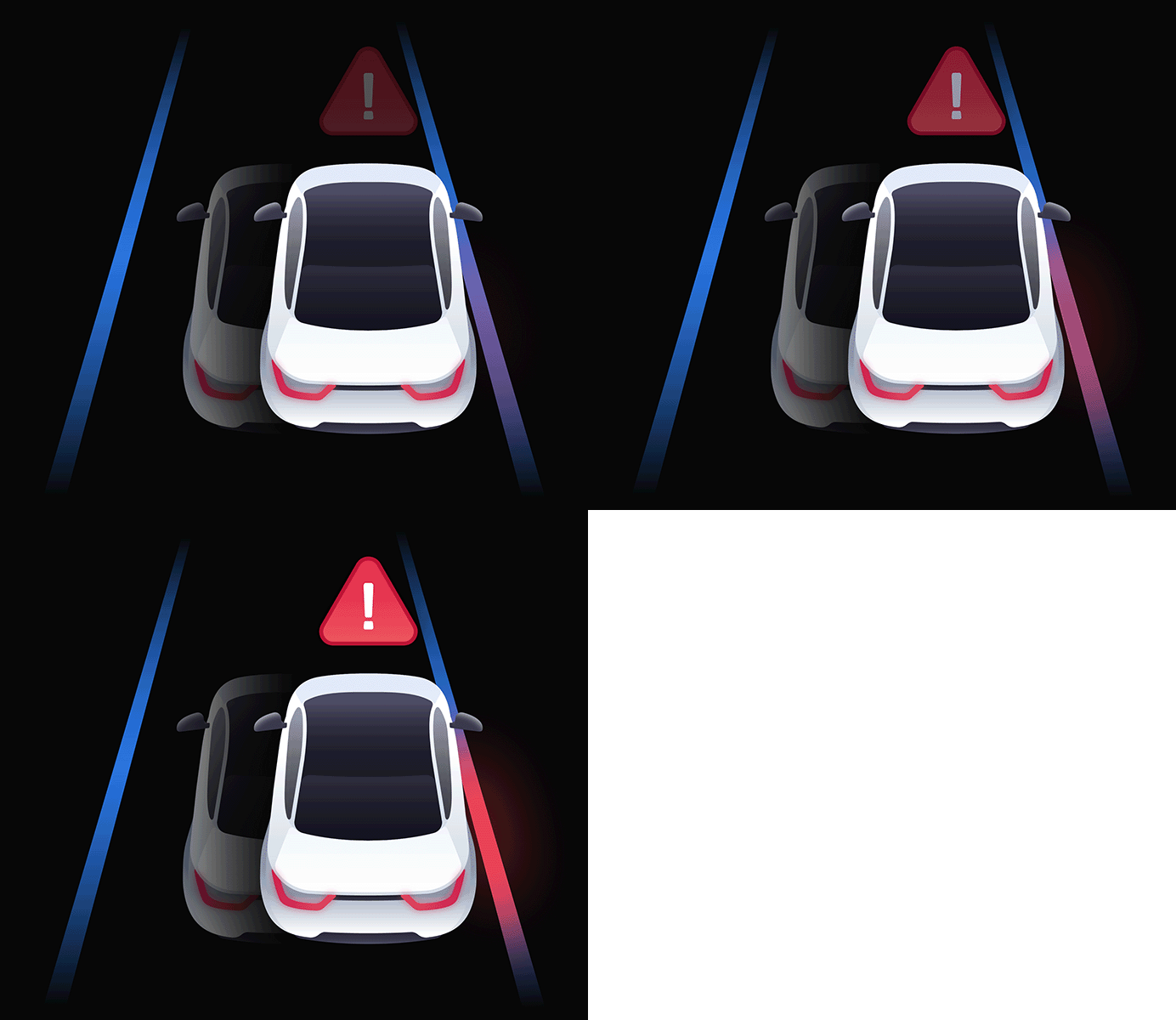
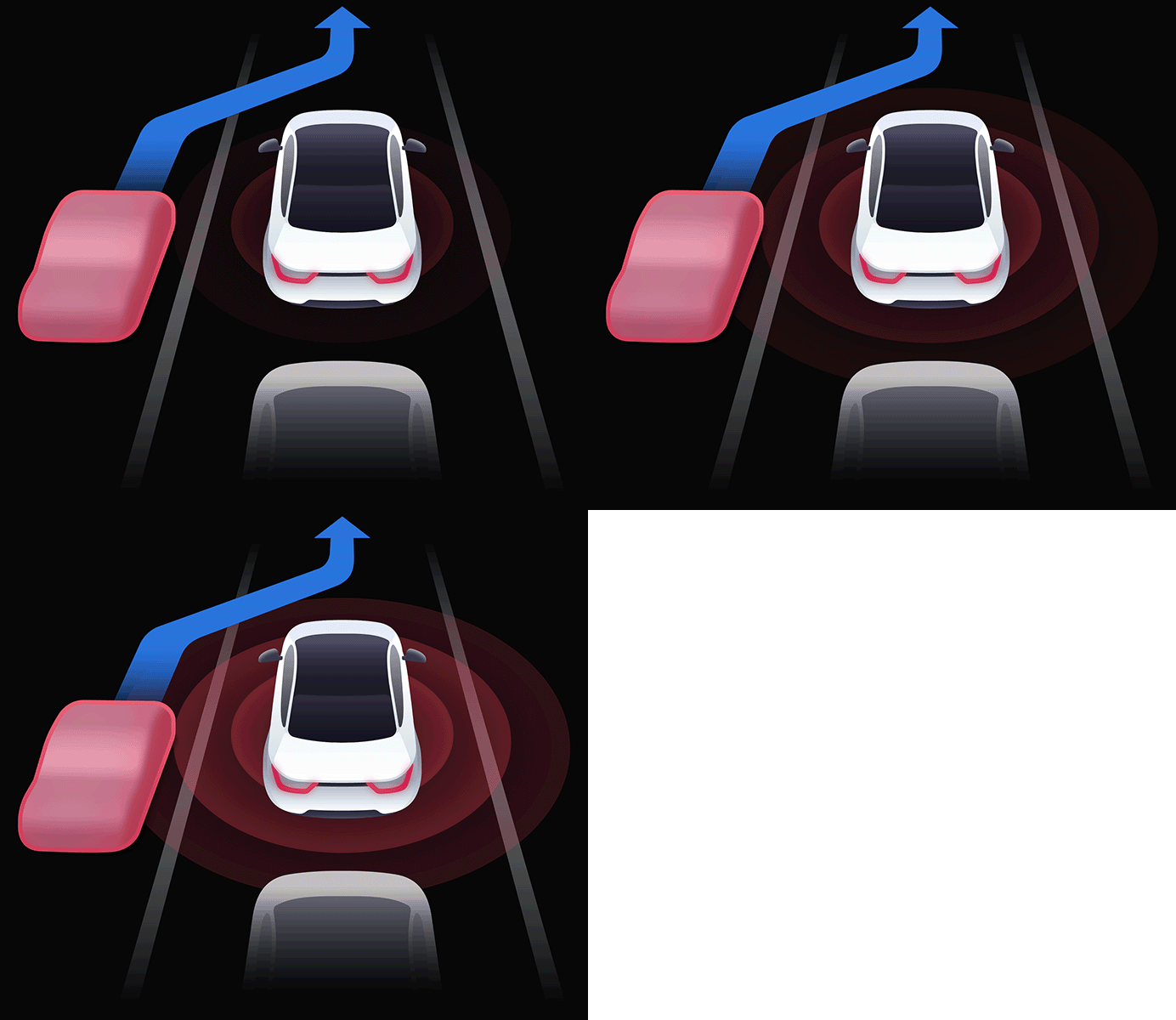
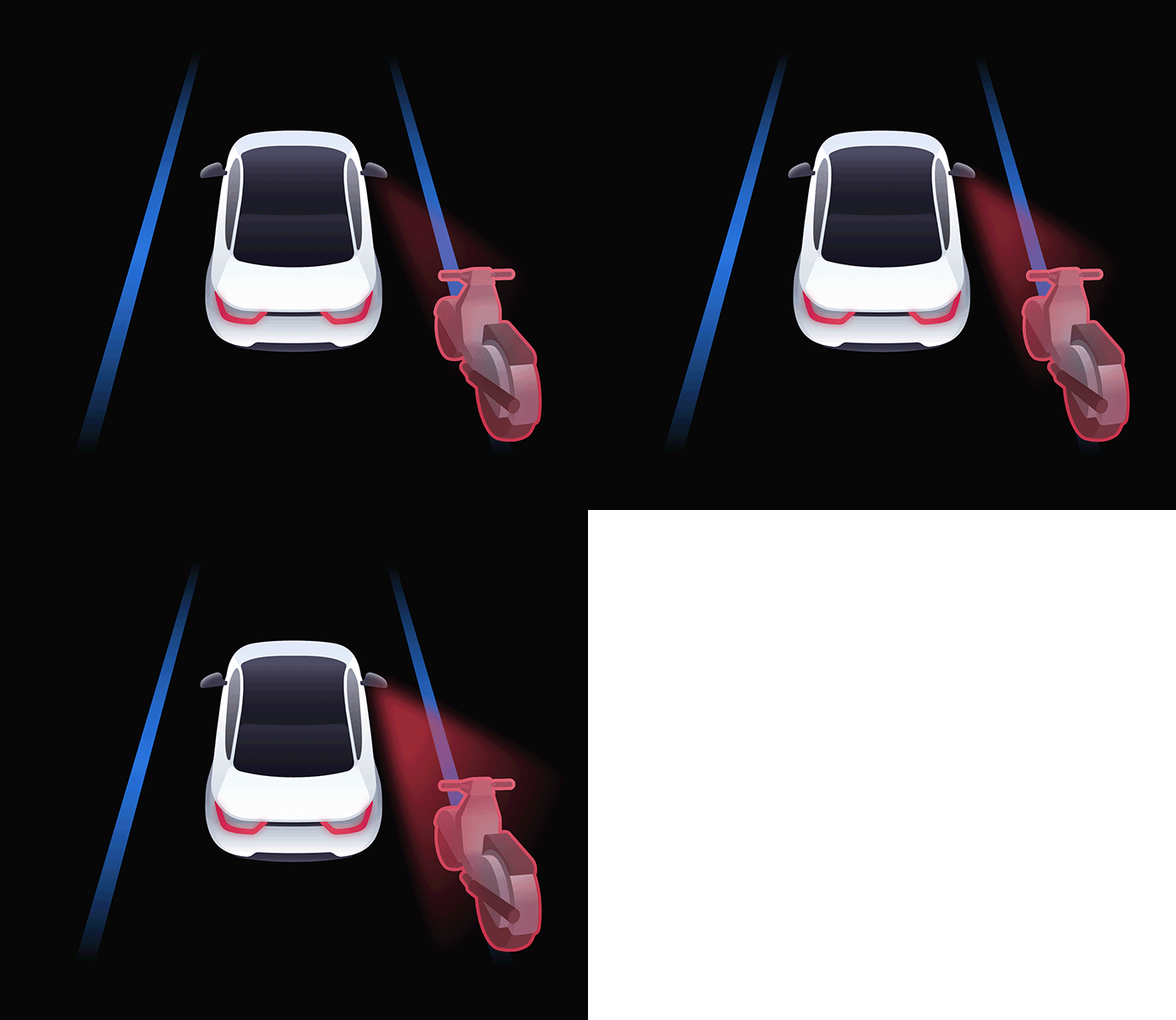
AI detects potential risks such as lane departure and forward collisions in real time, providing visual alerts only when needed positioned and styled to avoid obstructing the driver’s view. The timing and presentation of warnings are carefully designed based on actual driving scenarios.
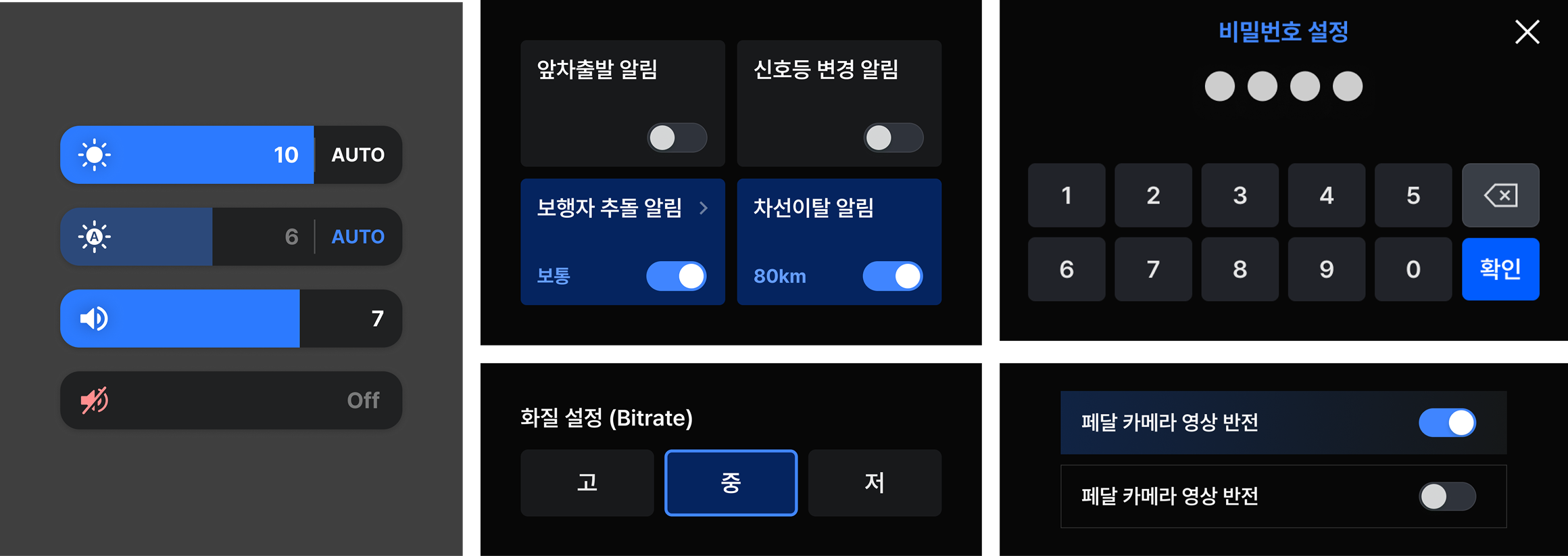
Settings UI Designed for Each Device’s Interaction Method
To make it easy to control key settings such as camera, brightness, and recording, the UI was tailored to match each device’s input method. On the 3.5inch display, pressure sensitive touch buttons enable quick switching, while on the 10inch display, intuitive touch interactions like toggles and sliders allow safe and convenient operation even while driving.
Mobile
App-Based Settings Integration for Familiar Control
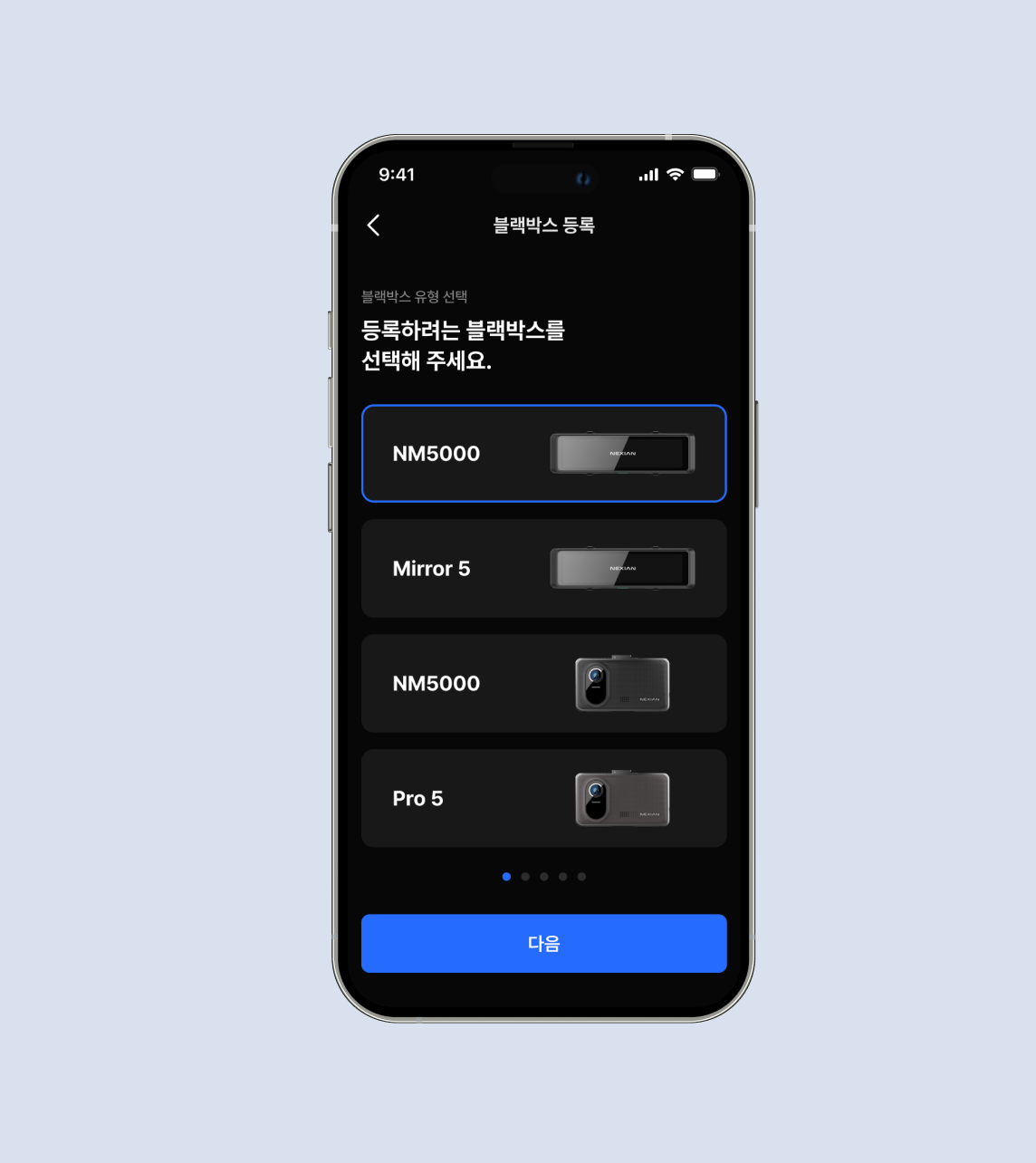
Users can easily register devices, adjust settings, and perform updates through the mobile app, with any changes automatically synced and reflected on the Dashcam device. This design provides a seamless settings experience, complementing the limited screen size and interaction constraints of the in-vehicle device
EMT’s Driving Skill-Based Personalized Settings
The AI ADAS can be operated directly from the home screen without entering a separate menu, allowing users to complete setup quickly. On the app home screen, users can choose from Beginner, Experienced, Custom, or Off modes, with ADAS activation and related settings automatically configured based on the driver’s skill level.
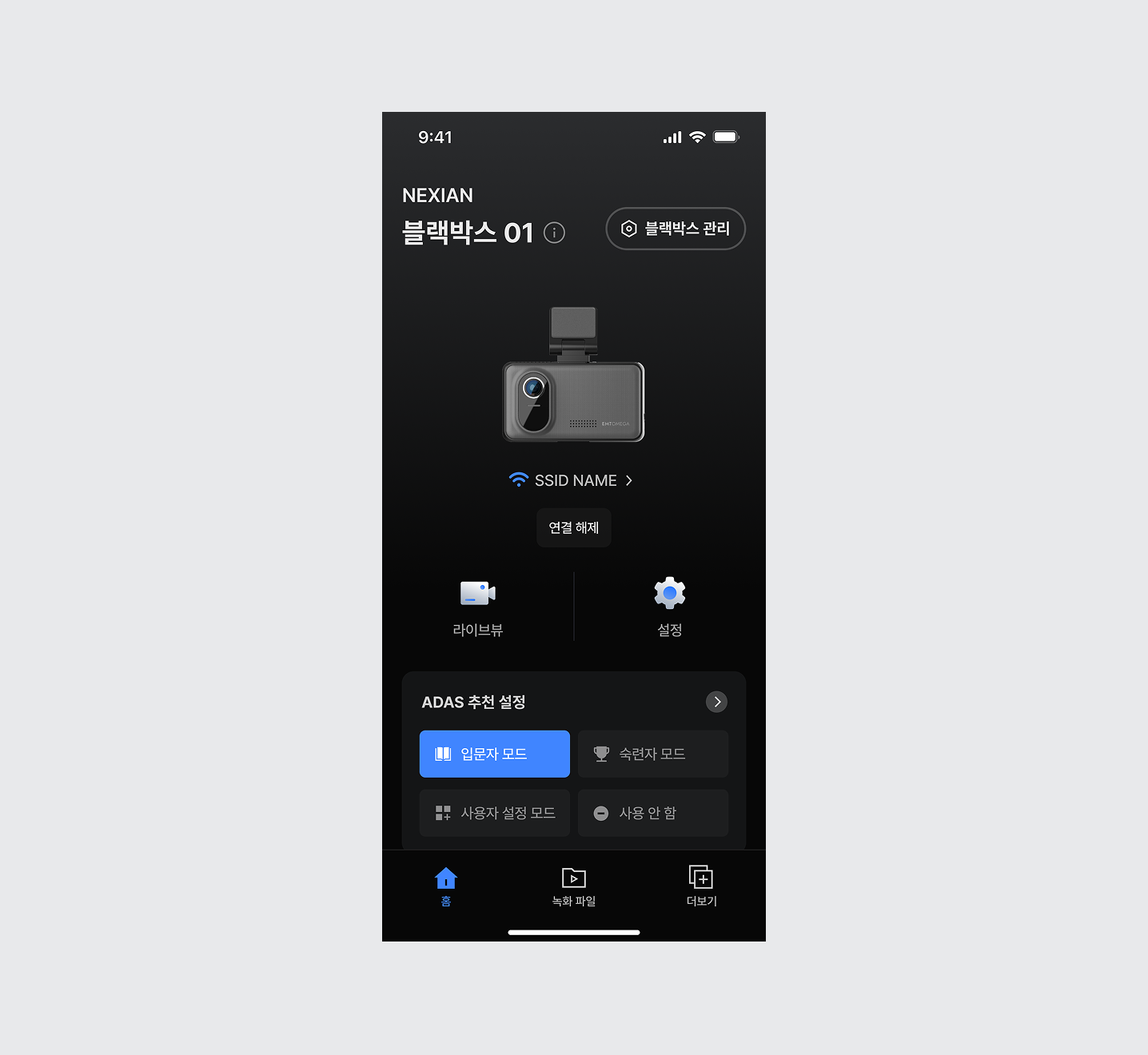
UI Cencept
UI Design Reflecting Brand Identity
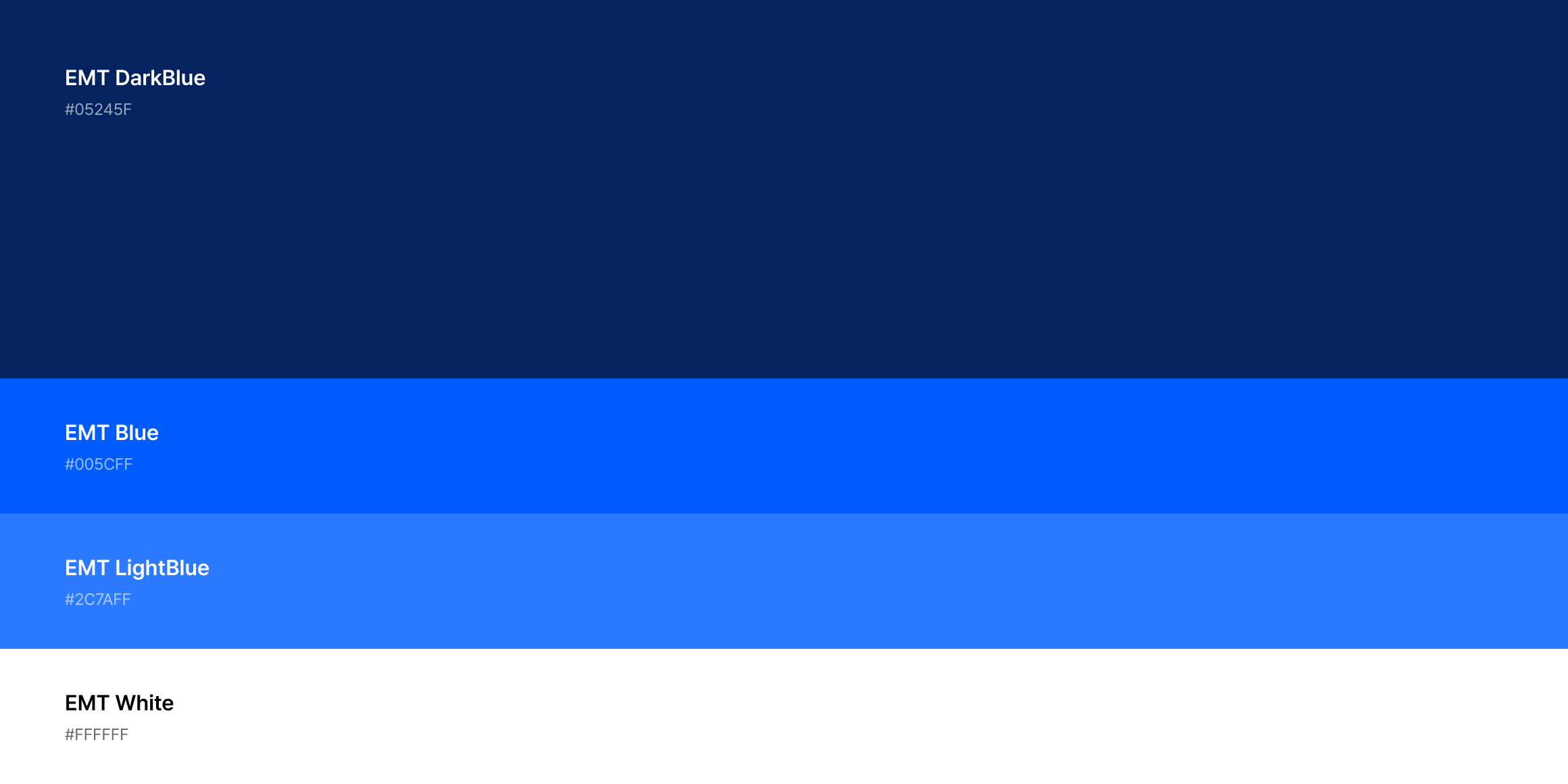
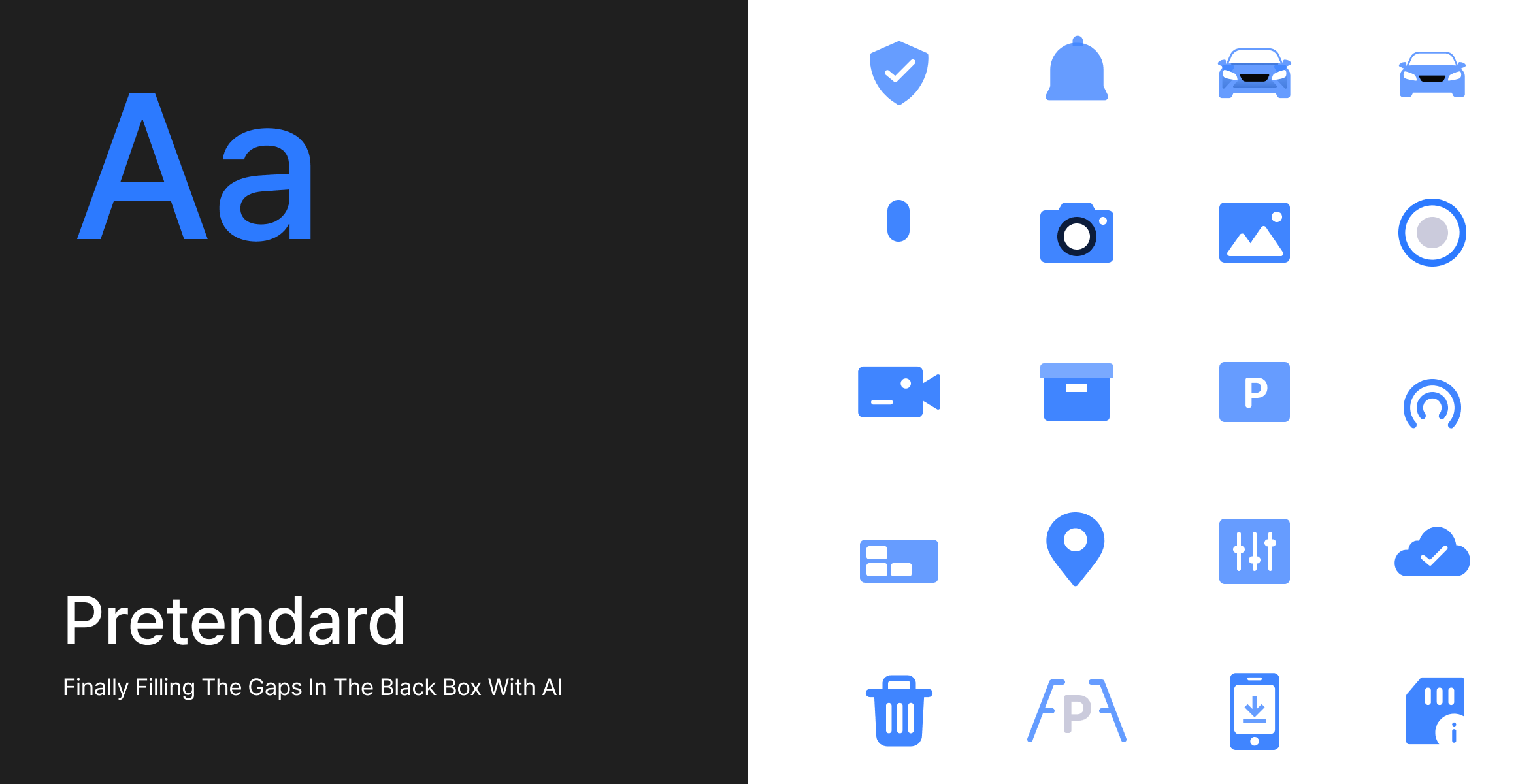
To define a unique brand identity for the EMTOMEGA Dashcam, research was conducted with attention to the primary user group drivers aged 30 and above. A calm dark theme with a single accent color conveys restrained sophistication, while intuitive icons replace text to ensure clear communication of information even on limited device screens.
Design Keyword & Concept
- 컨텍스트에 맞는 레이아웃
Contextual Layout
- 시각적 계층화
Visual Hierarchy
- 공통 요소 사용
Consistent Elements
- 단계별 가이드와 명확한 구조
Clear Structure
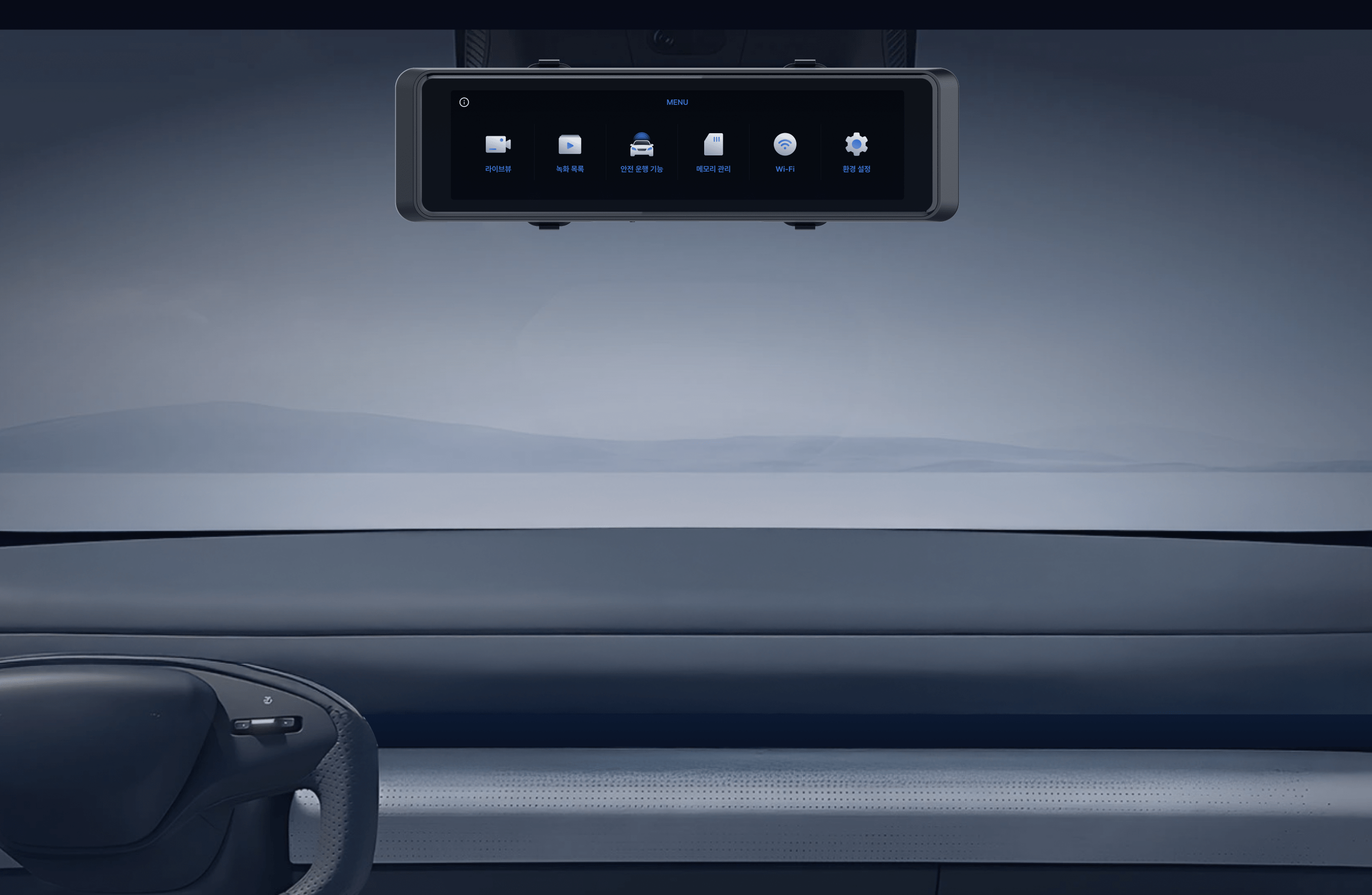
Structure & Module
The layout of the 10inch Dashcam was designed to follow the driver’s line of sight from left to right, with frequently used functions positioned within the most easily reachable touch areas during driving.
EMTOMEGA Black Box Design System
A design guide was created to ensure a consistent visual identity across EMTOMEGA devices.