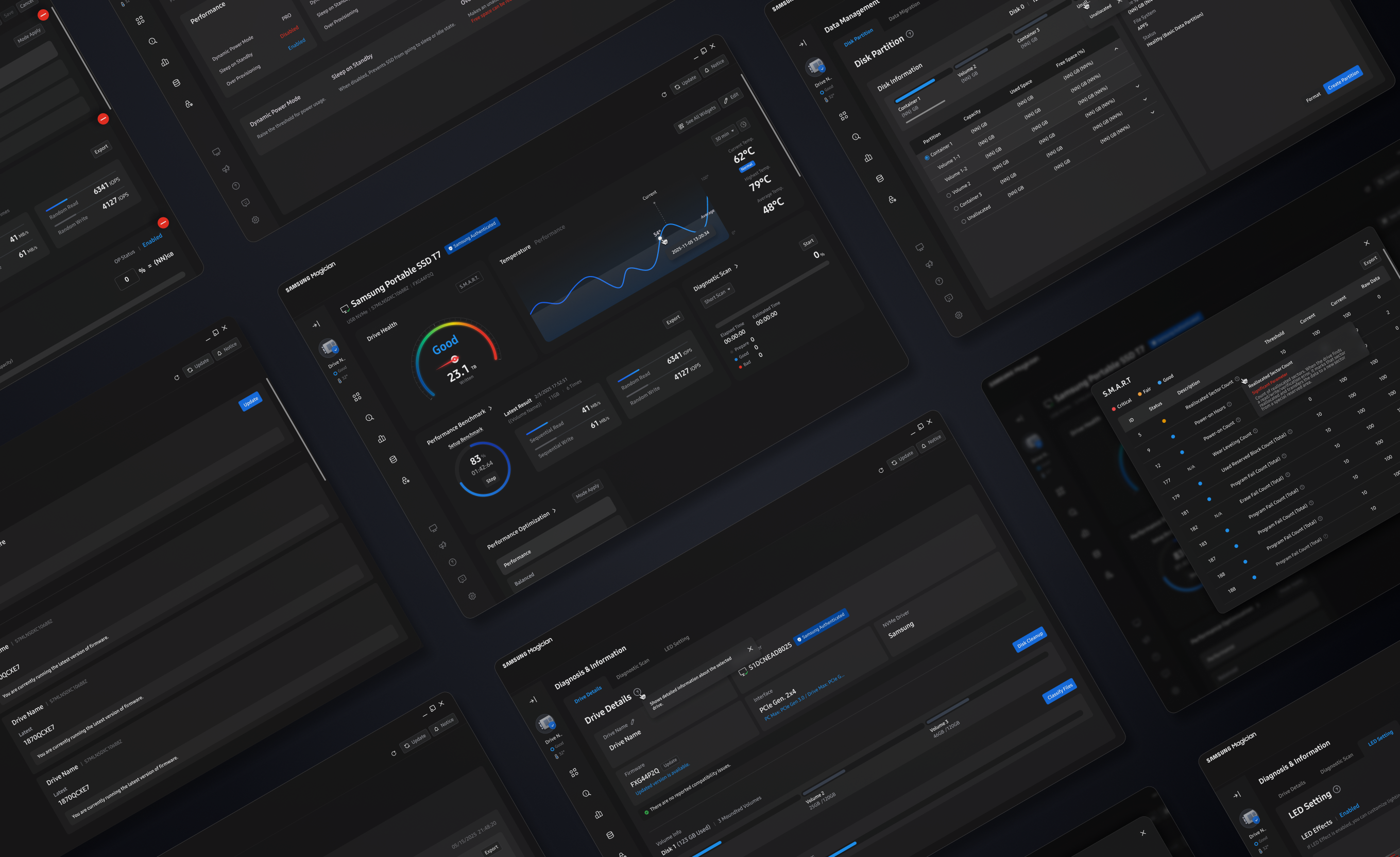
Samsung Magician 9.0
Samsung Magician is management software that enables users to easily manage Samsung storage products within a single unified environment. Samsung Magician 9.0 maintains this core role while improving the overall UX structure to help users understand information more efficiently and use features more intuitively.
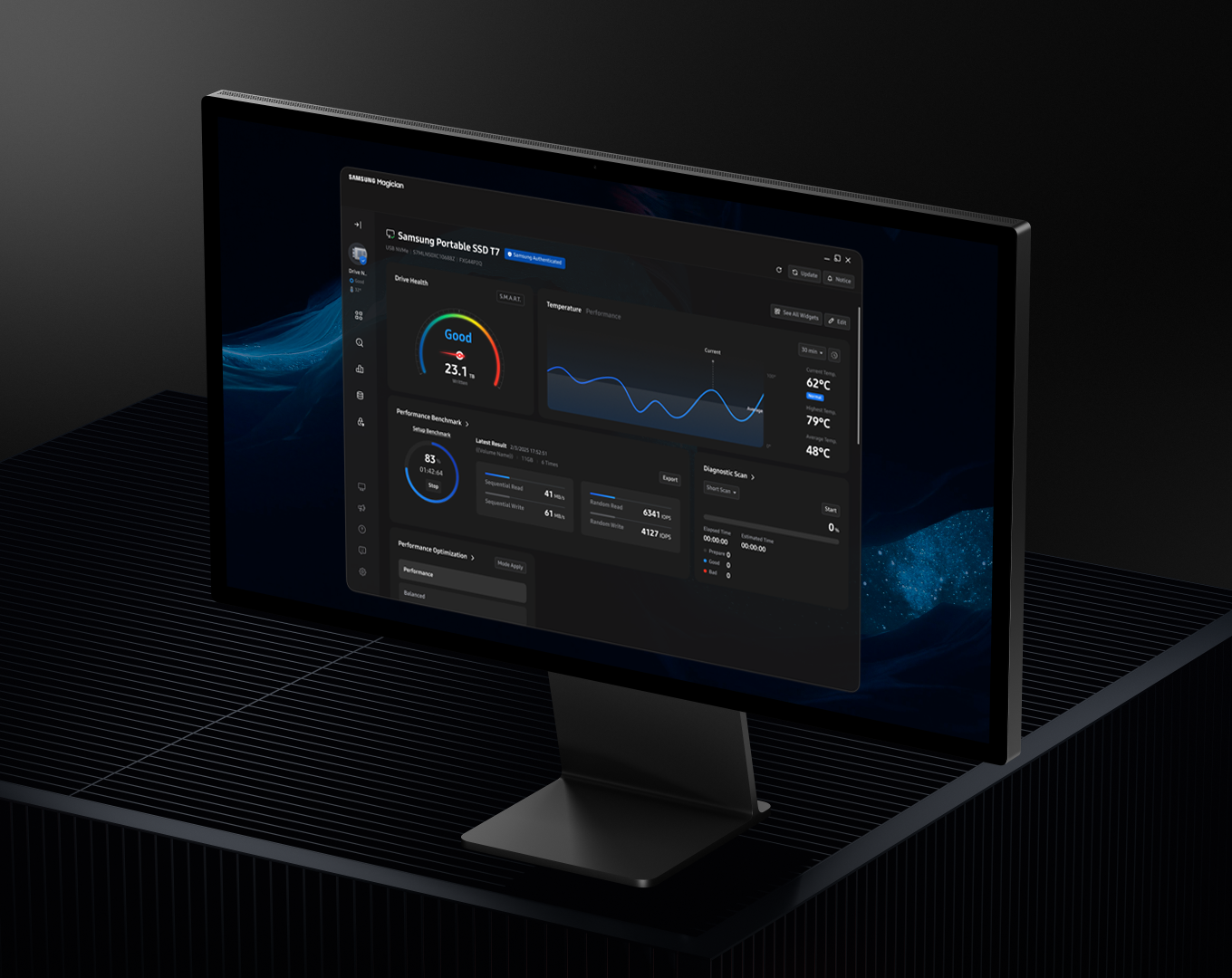
Overview
Redefining Complex SSD Management with an Intuitive Workflow
Samsung Magician is management software that enables users to easily manage Samsung storage products—including internal SSDs, portable SSDs, memory cards, and USB flash drives—within a single environment. While maintaining this core role, Samsung Magician 9.0 enhances the overall UX structure to help users process information more efficiently and interact with features more intuitively. By preserving the context of existing functions while reorganizing workflows and information architecture, it focuses on delivering scalability and clarity optimized for both web and mobile environments.
UX Concept
Magician UX redesigned around
an efficient workflow
The UX of Magician 9.0 moves beyond listing various features and information, and was redesigned to help users quickly reach the information and functions they need. Through the Home Dashboard and widgets, key status and primary features can be viewed on a single screen, while a left-aligned GNB structure simplifies the navigation flow. In addition, a spacious and flexible layout applies menu-specific information structures and visual expressions, creating an SSD management environment that naturally connects status awareness to execution.
SSD Management
Experience That Seamlessly
Connects
Information and Action
Personalized Dashboard
Focused on Key InformationWidget-Based Control
for Instant AccessClear Navigation with Defined
Hierarchy

A Context-Aware, Customizable Home Dashboard
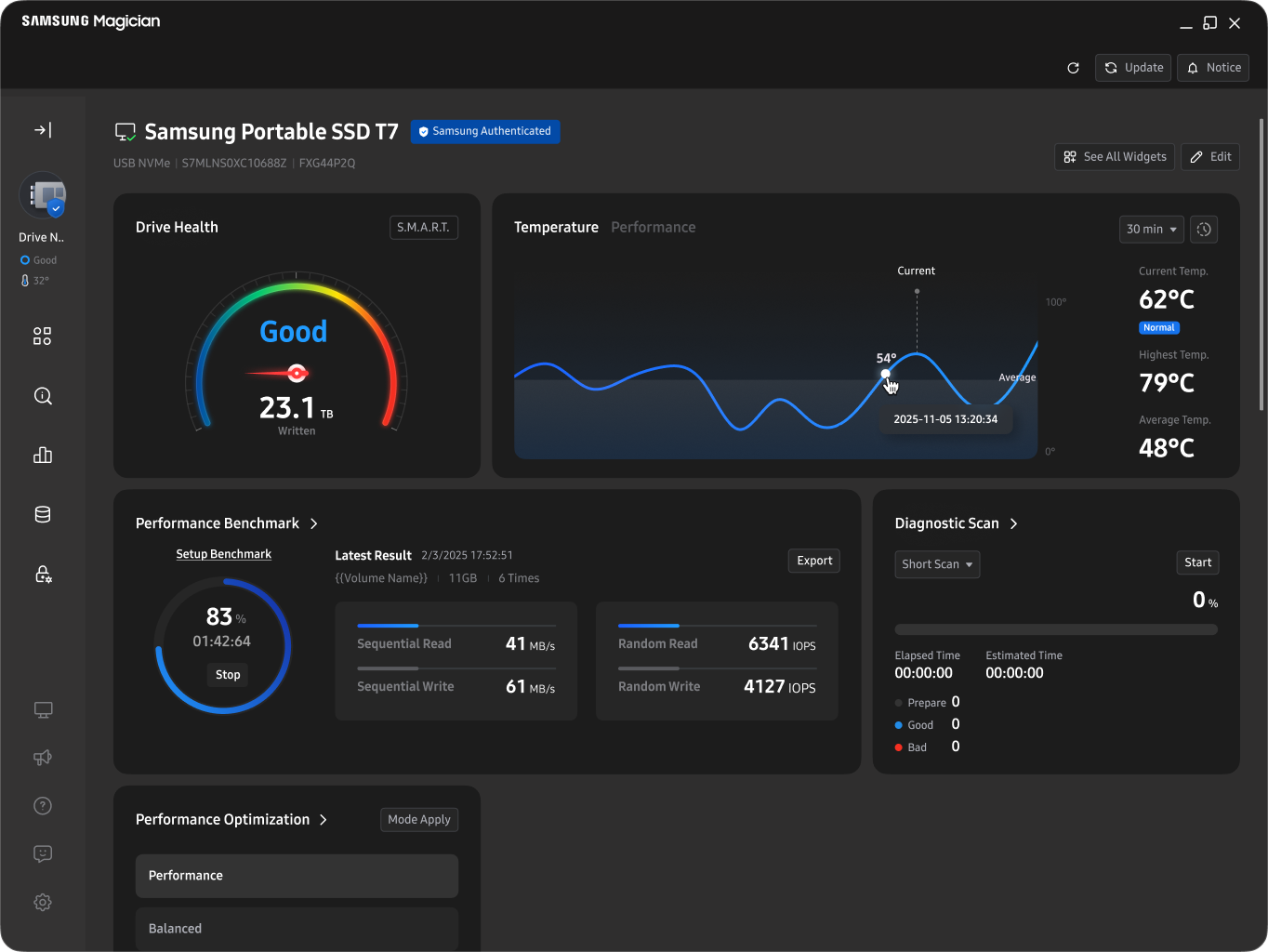
We designed a flexible Home Dashboard that can be configured based on user proficiency and management goals. For beginner users, a default layout centered on frequently used core widgets supports easier understanding and adaptation. For advanced users, widget customization allows selective placement of only the necessary information and functions. This enables each user to create an optimized starting screen aligned with their management objectives and continue a more efficient SSD management experience.
Faster Management Through Widgetized Features
By transforming key features into widgets, users can check status and execute actions directly from the Home Dashboard without navigating through complex menu depths. This reduces the steps between feature discovery and execution, allowing frequently used tasks to be handled quickly on a single screen. Users can naturally recognize their current status and next actions, enabling intuitive management.
Focused Detail Views Within an
Expanded Workspace
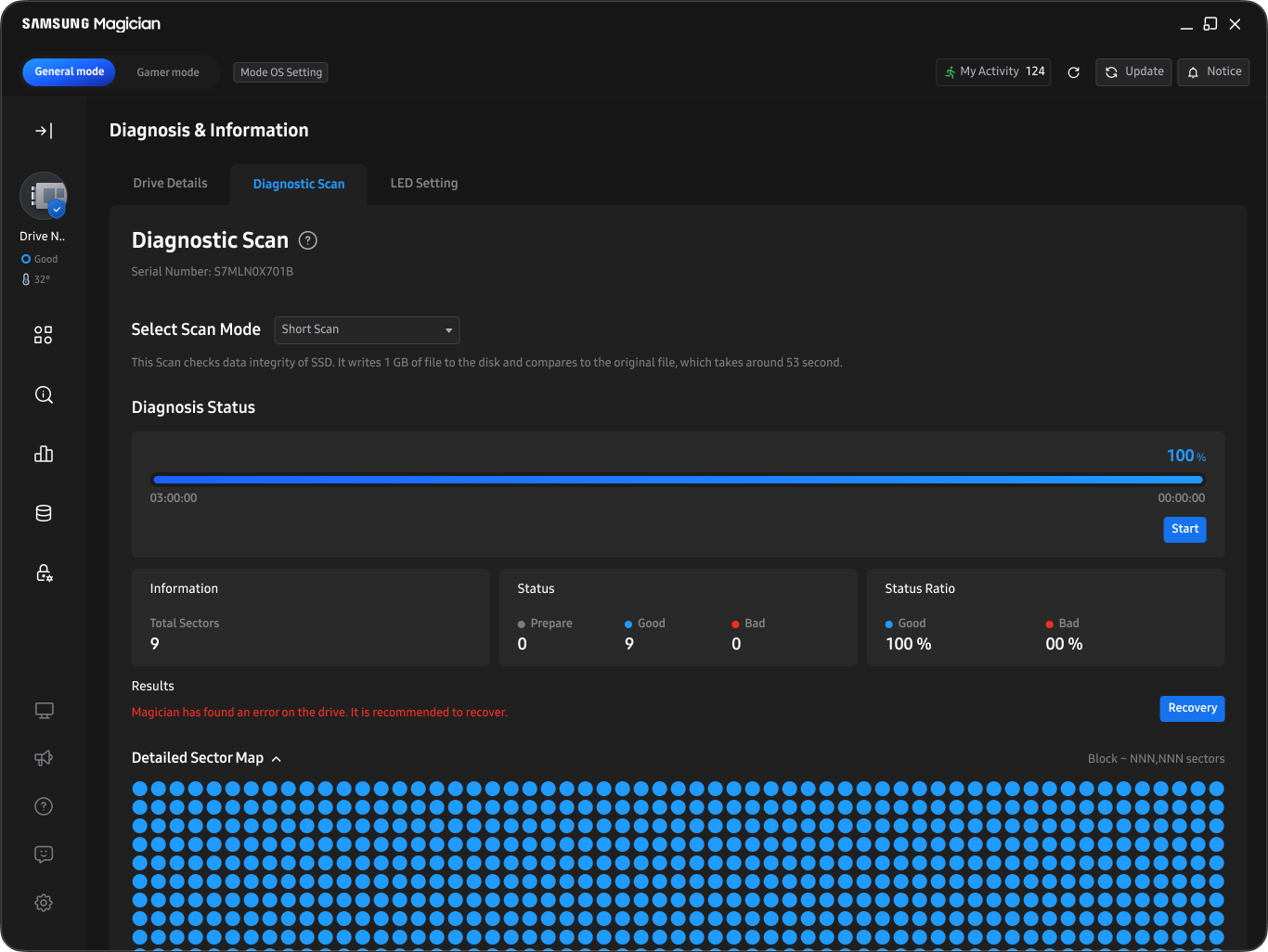
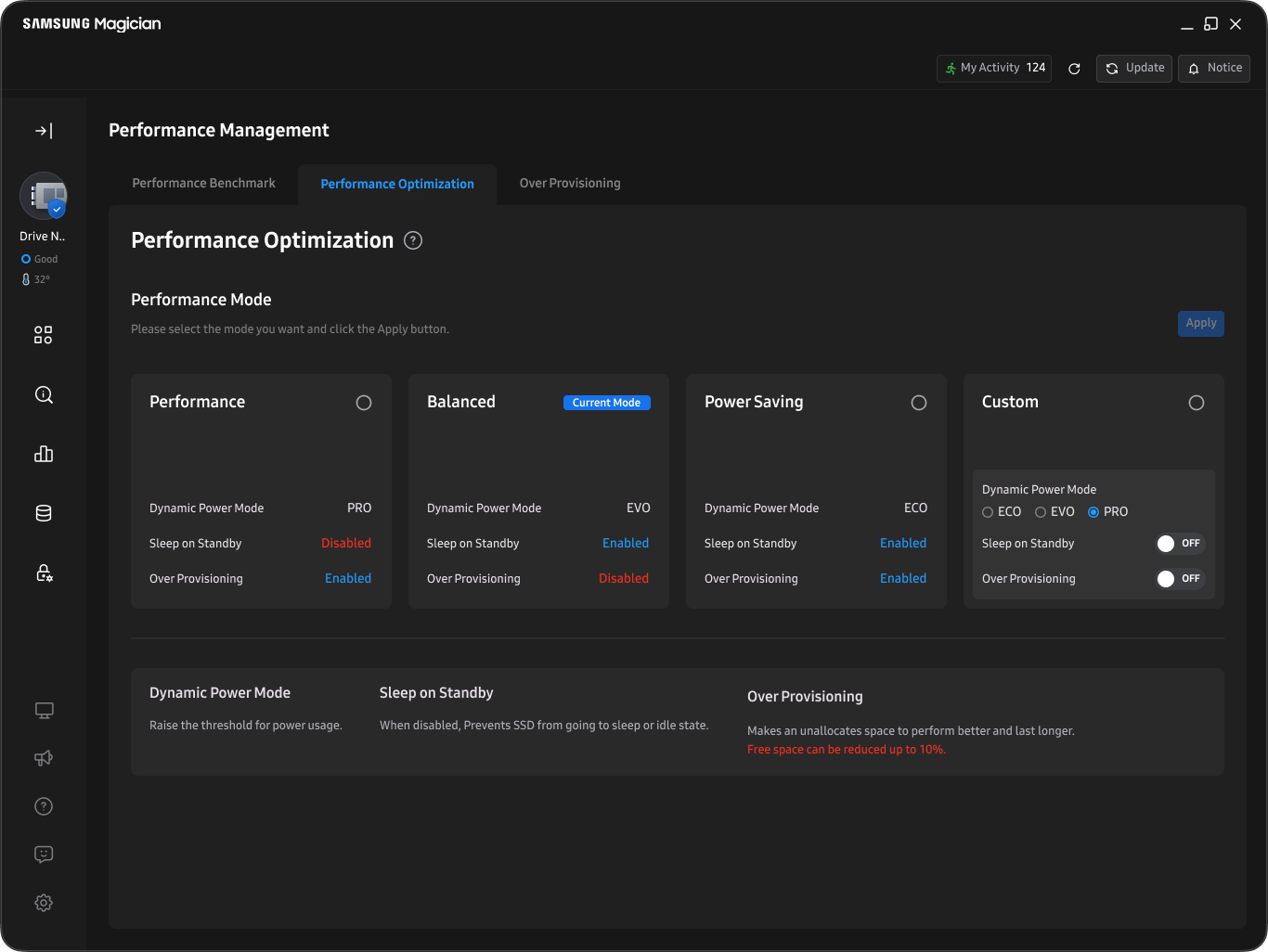
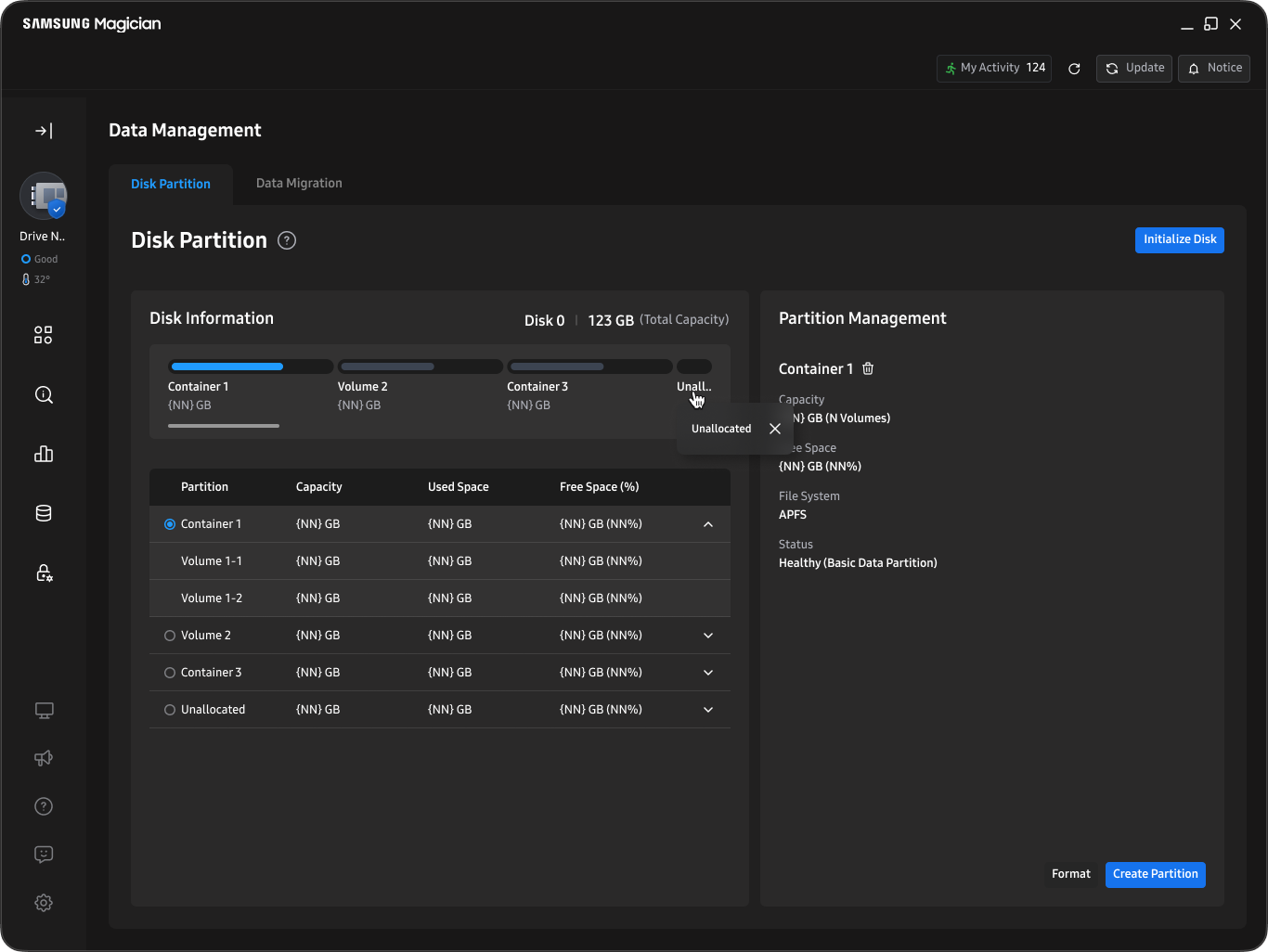
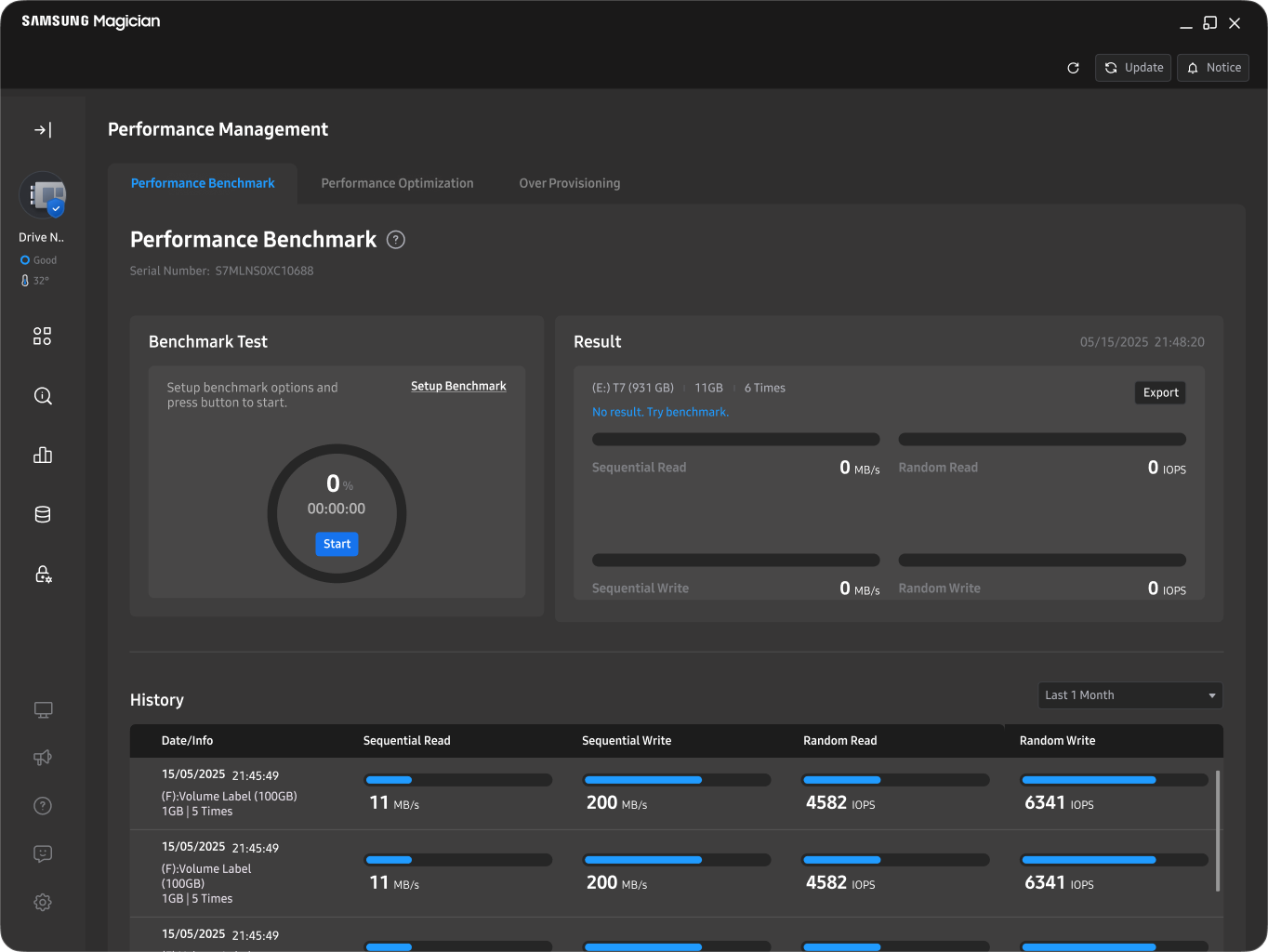
By reorganizing the navigation area and expanding the workspace, we redesigned detailed feature screens to enhance user focus. The expanded layout allows key information to be repositioned prominently at the top, while menu-specific metaphors and components support a natural flow from status recognition to task execution. This enables users to understand and act on menu-level task status at a glance.
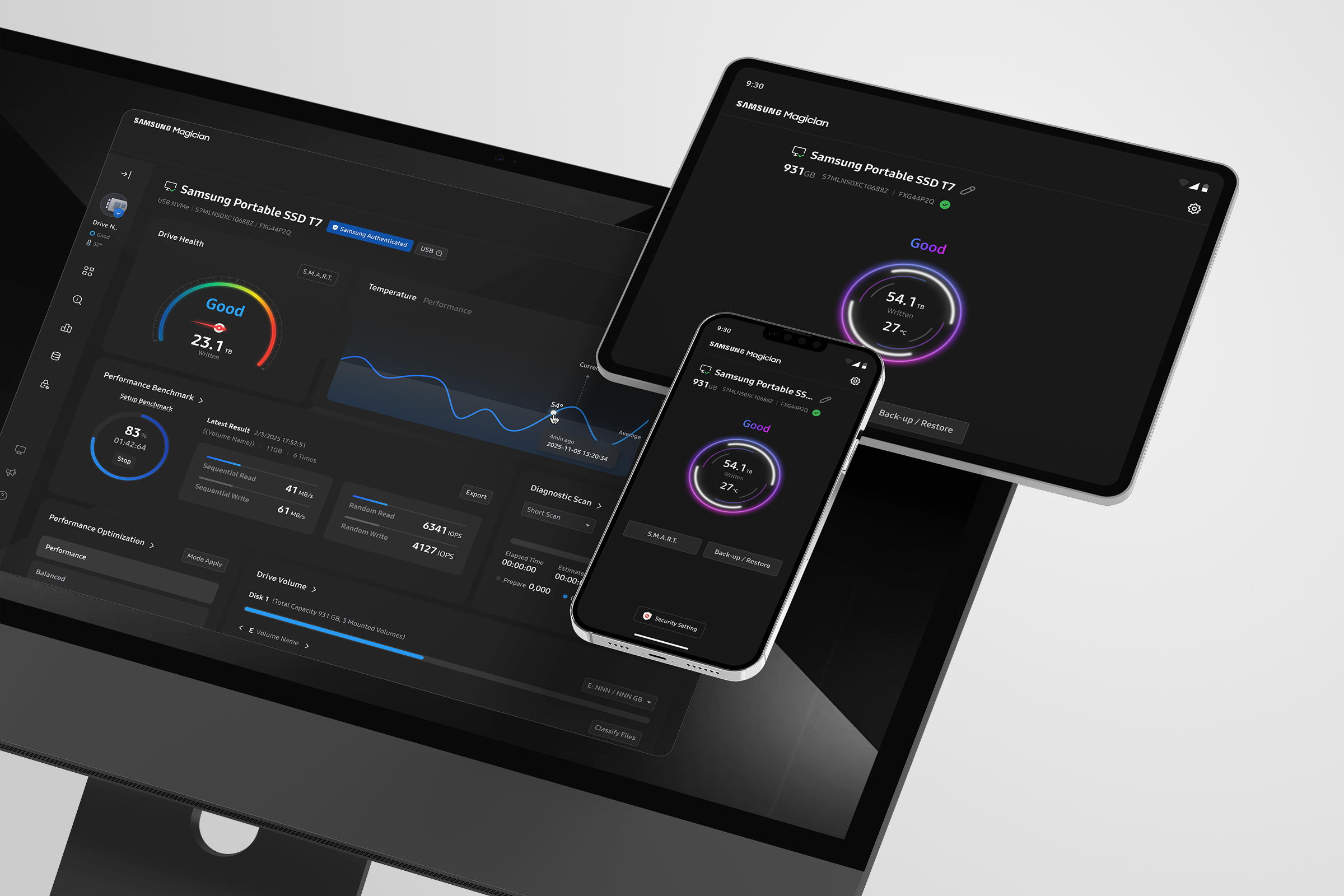
Mobile-Optimized PSSD Management
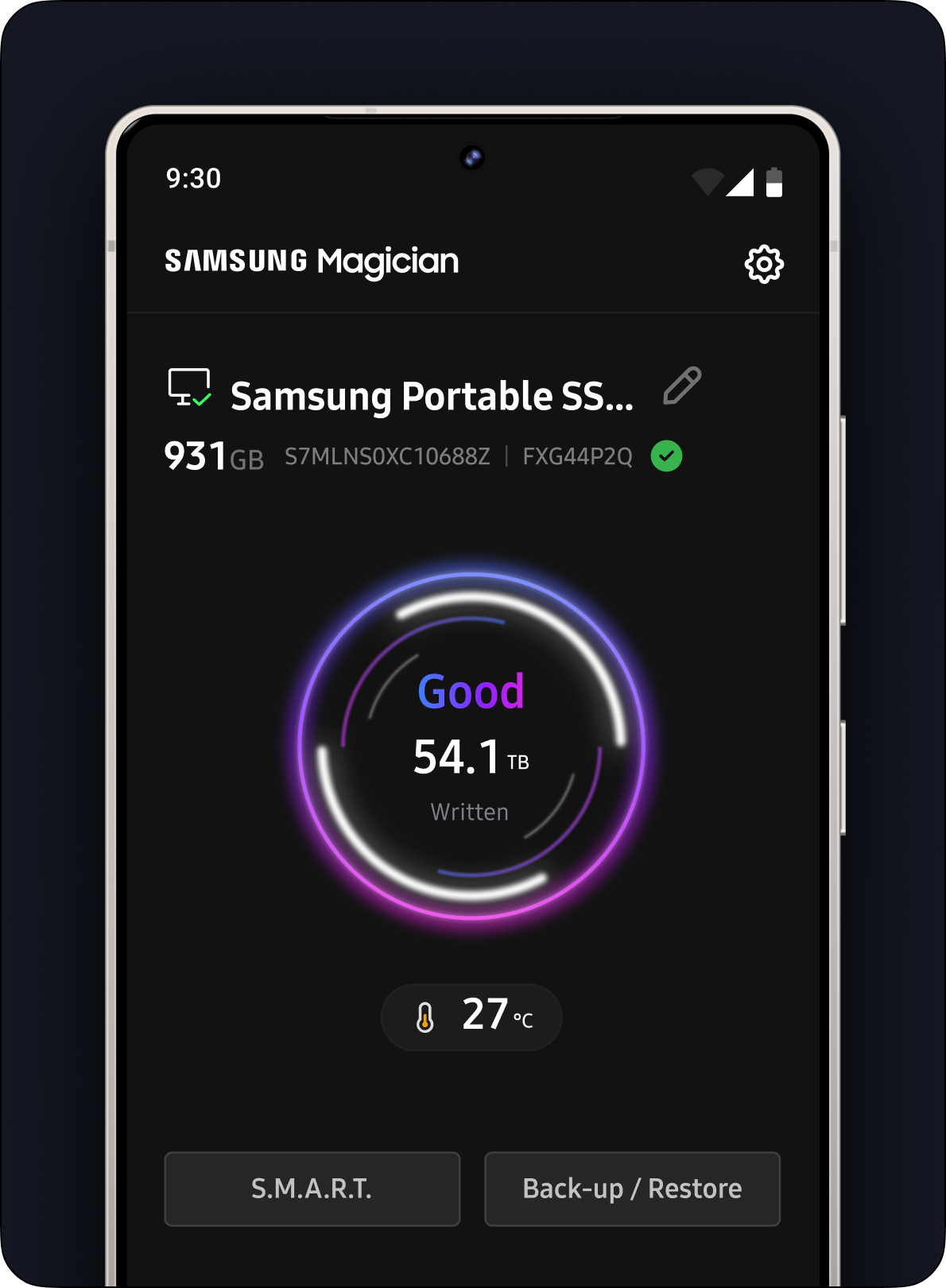
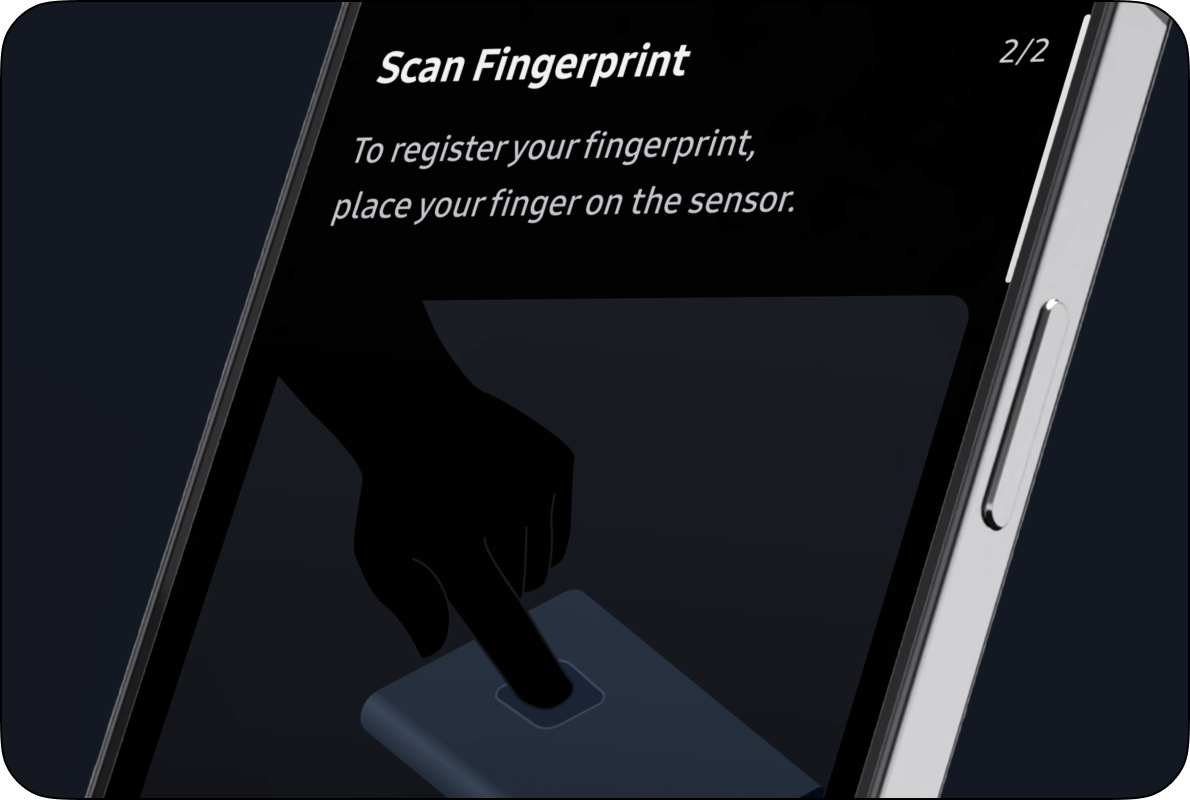
To support PSSD users on the go, we designed an optimized UX for the Samsung Magician mobile app that enables quick storage status checks and simple control. By applying touch-optimized interactions, concise information hierarchy, and clear visual emphasis, the design ensures high readability and usability even on smaller screens.
Samsung Magician 9.0
Design System
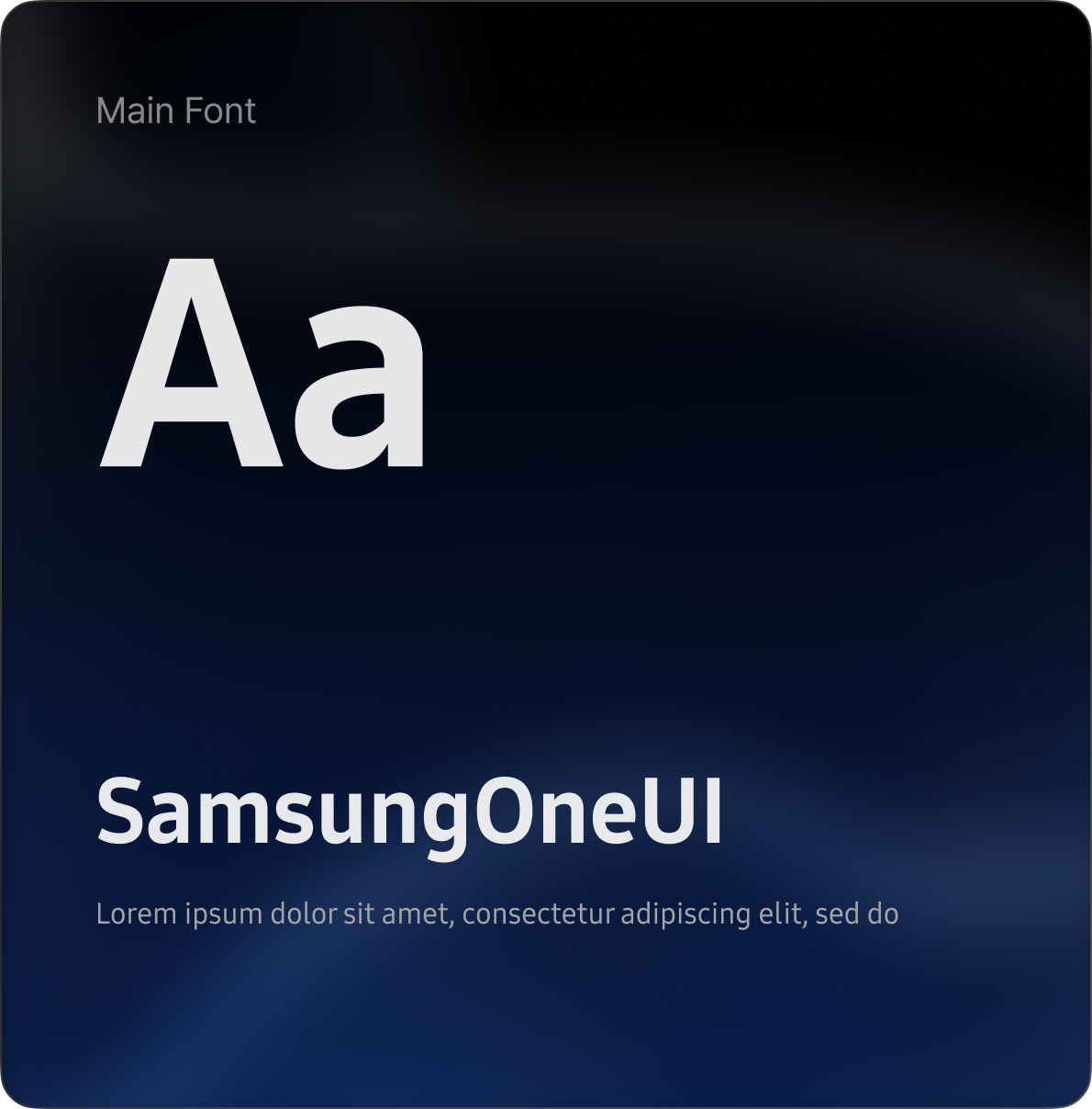
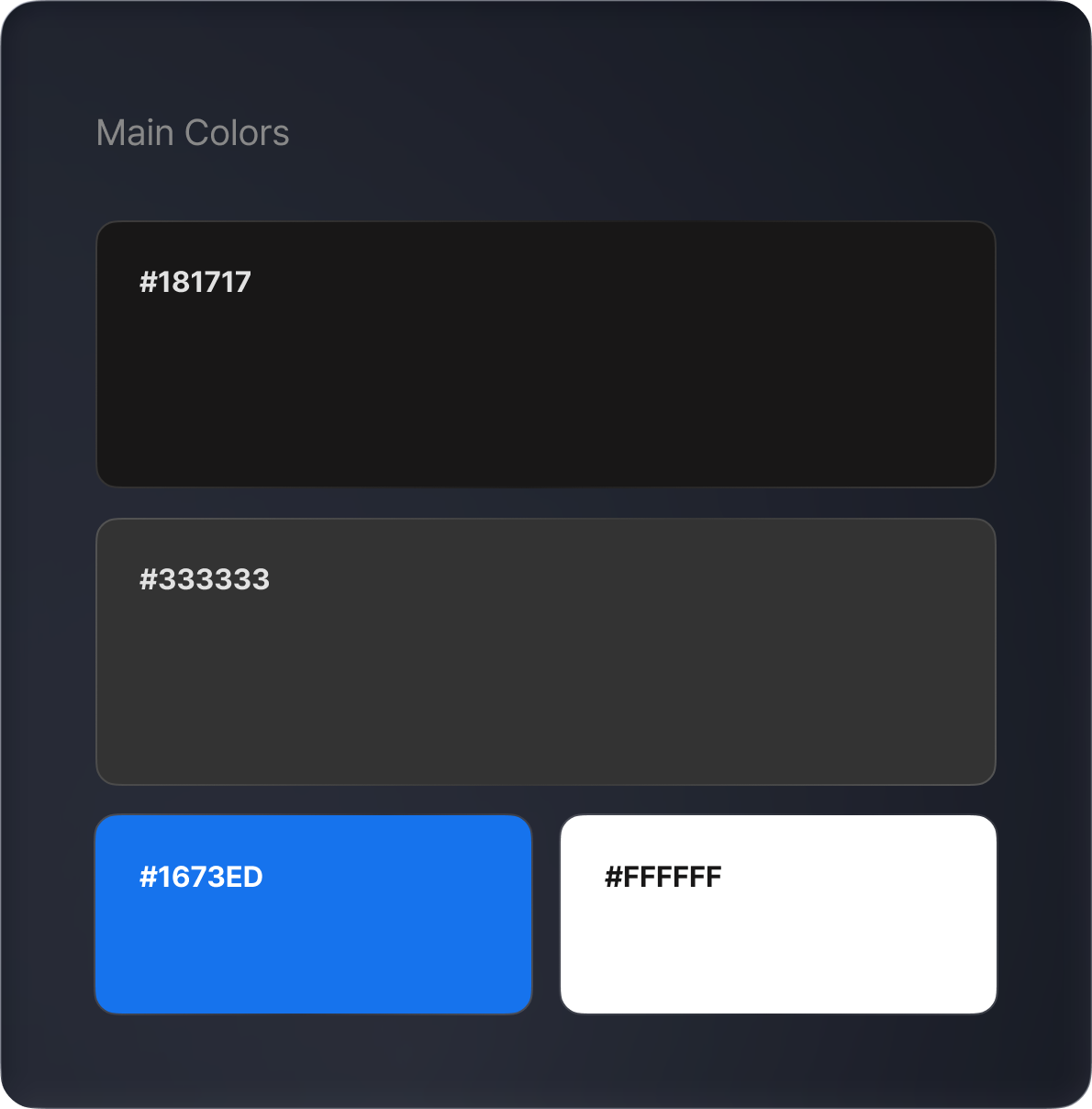
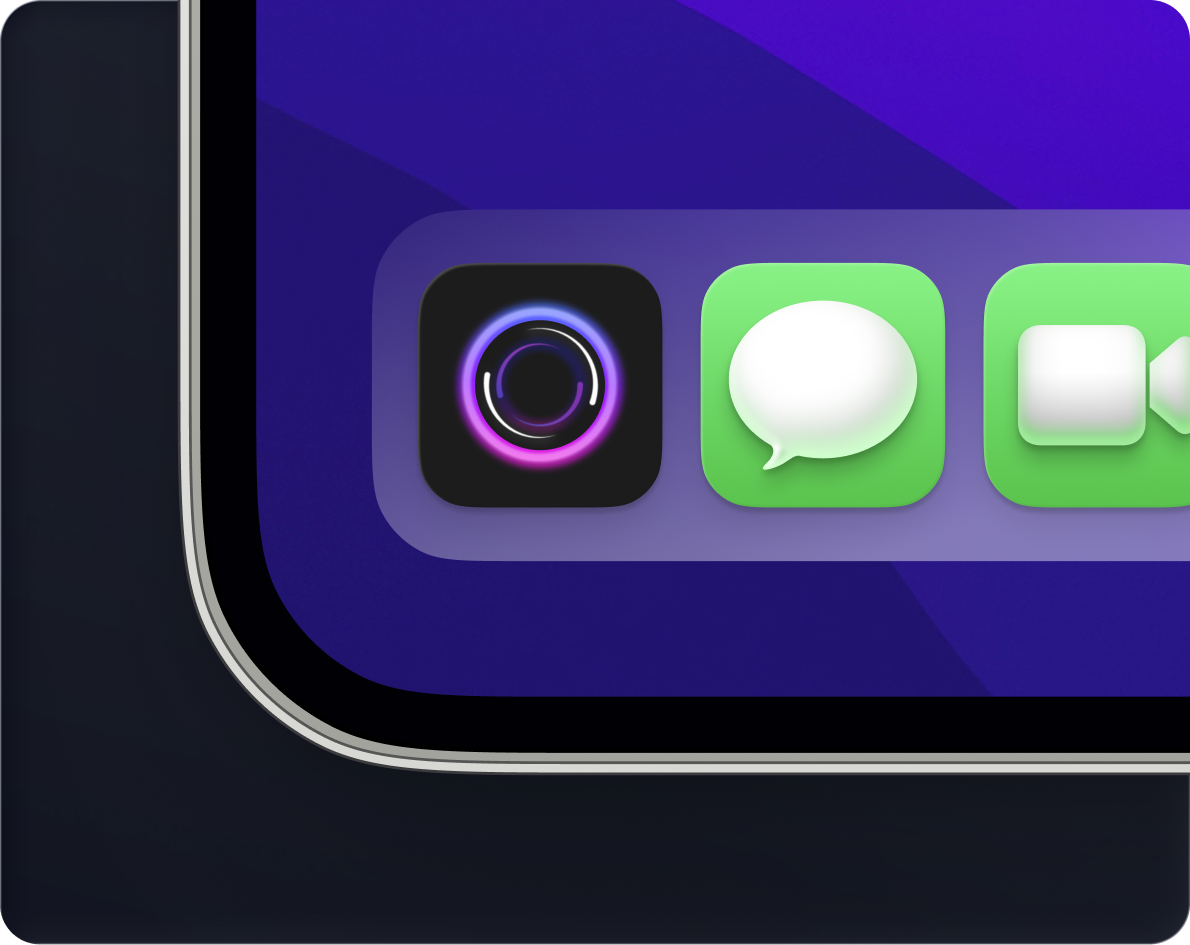
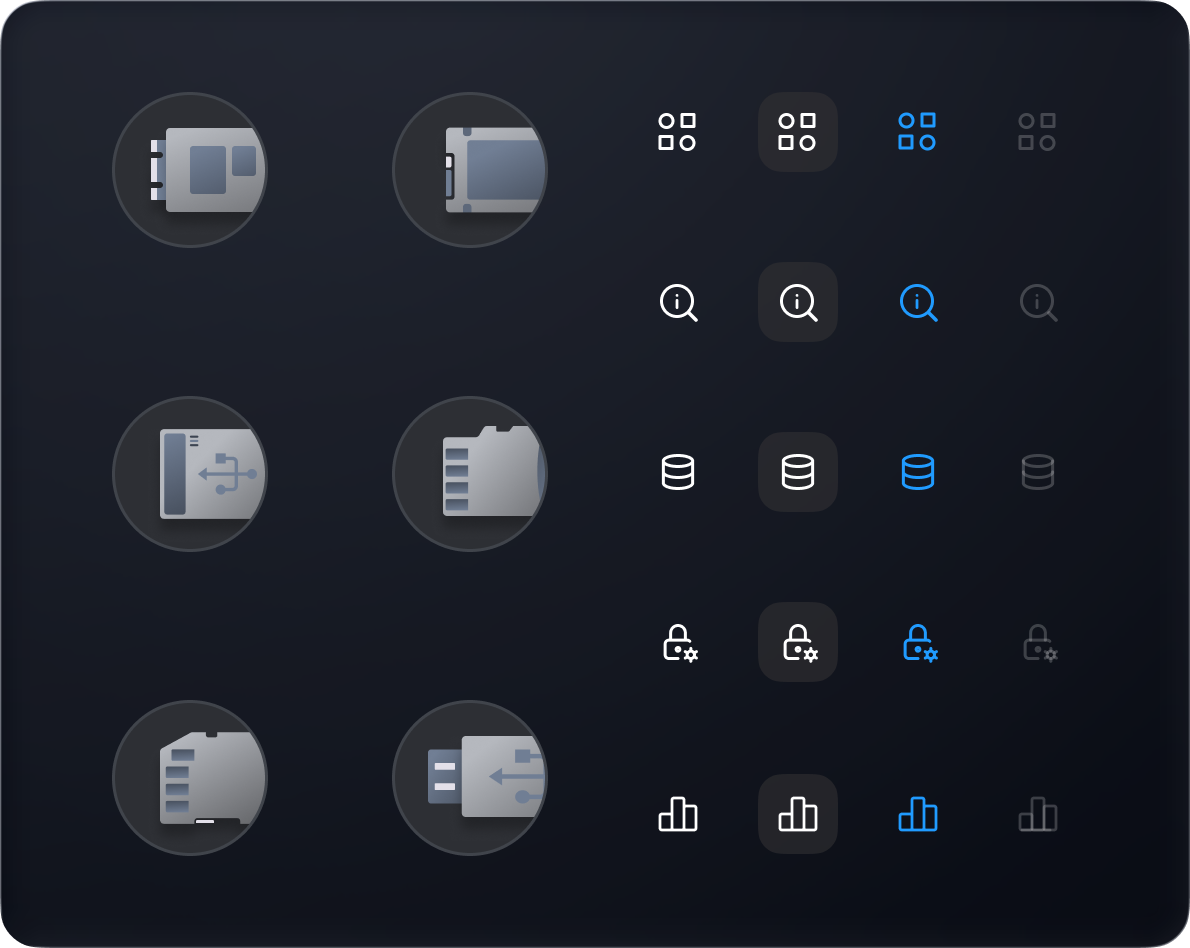
Samsung Magician 9.0 now features a cohesive design
language, ensuring visual harmony across every
component and asset.